Controller Area Network
R2026bLeverage the capabilities of Controller Area Network (CAN) to efficiently design and implement robust and reliable CAN-based communication systems.
Blocks
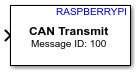 | CAN Transmit | Transmit message to CAN network |
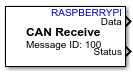 | CAN Receive | Receive message from CAN network |
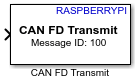 | CAN FD Transmit | Transmit CAN FD messages over a CAN interface (Since R2026b) |
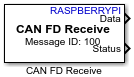 | CAN FD Receive | Receive CAN FD messages from a CAN interface (Since R2026b) |
Objects
canChannel | Connection to CAN channel through specified device |
Functions
enableCAN | Enable CAN interface |
disableCAN | Disable CAN interface |
read | Read messages from CAN channel |
write | Write messages to CAN channel |
Model Settings
Topics
- Model Configuration Raspberry Pi Blockset
This section describes about the model configuration parameters.
- Set Up Raspberry Pi CAN Shield on Your Host Computer
Connect Raspberry Pi CAN shield to your computer using the hardware setup screen.
- Enable and Configure Raspberry Pi for SPI and CAN Communication Using MCP2515 CAN Controller
This section provides a comprehensive workflow to enable and configure the MCP2515 CAN interface on a Raspberry Pi board.
- Enable and Configure Raspberry Pi for SPI and CAN FD Communication Using Waveshare 2-CH CAN FD HAT
Configure CAN FD communication on Raspberry Pi using the Waveshare® 2‑CH CAN FD HAT and use Simulink CAN FD blocks to transmit and receive messages.
- Setup Virtual CAN Interface
Setup virtual CAN interface before configuring CAN Transmit and CAN Receive blocks.
Featured Examples
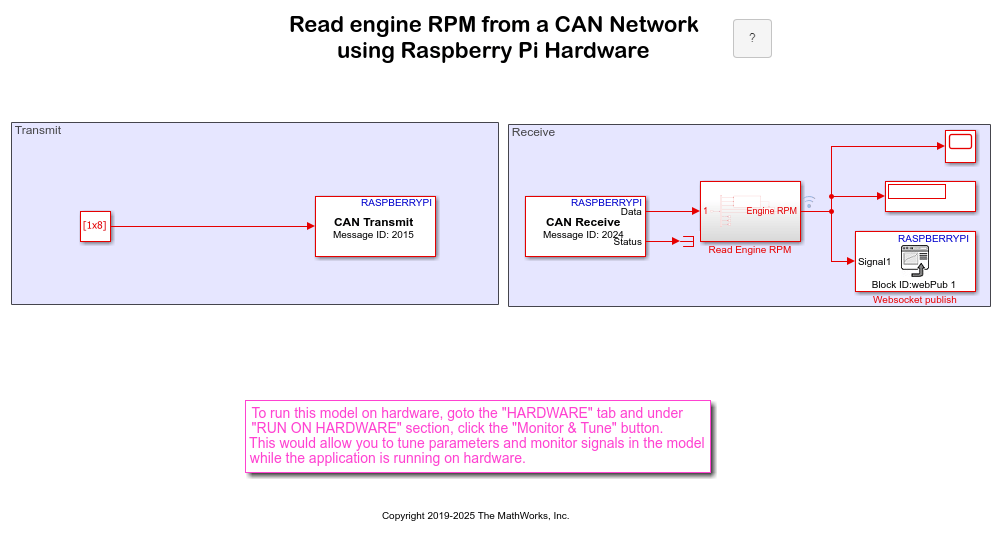
Monitor Engine RPM Using Raspberry Pi CAN Blocks
Use Raspberry Pi® Blockset to monitor vehicle engine RPM and read the data on a web browser.
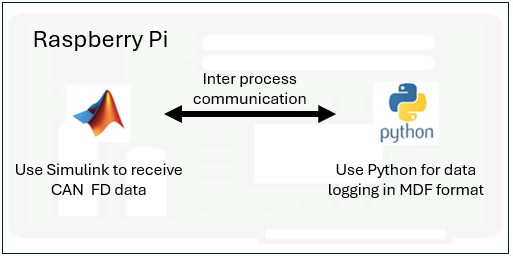
Log CAN Bus Data on Raspberry Pi
Use Raspberry Pi® Blockset to monitor a controller area network (CAN) bus, perform basic CAN conversions, and log CAN FD data in a measurable data format (MDF) file. This example also showcases the interoperability between a model deployed in Simulink® and a Python® program running simultaneously on Raspberry Pi hardware.
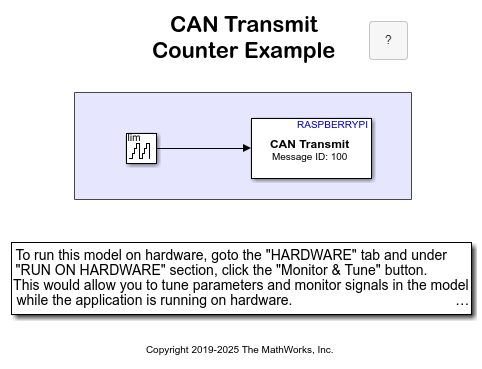
Transmit and Receive Data Using Raspberry Pi CAN Blocks
To use Raspberry Pi® Blockset to transmit and receive data from the CAN network using the specified CAN device.

