Analyze Common Modeling Patterns
R2026bYou can incorporate calibration parameters to achieve variability in your analysis and use different modeling patterns, such as export-function and AUTOSAR models. The following sections describe how to perform analysis for such common modeling patterns.
A parameter configuration defines the range of permissible values for a parameter. Simulink® Design Verifier™ considers values for model parameters during its analysis, including their defaults set in the base workspace or a data dictionary. This allows Simulink Design Verifier to handle parameters in your model as variables throughout the analysis process.
To constrain parameter values during analysis, use Simulink Design Verifier to specify parameter configurations, which are groups of constraints on parameters in your model. Select parameter configurations by using preset constraint methods or referenced configuration sets.
Use modeling patterns such as export-function models and Simulink functions for AUTOSAR in the analysis. Simulink Design Verifier analysis creates a scheduler model that invokes the export functions based on sample times and priorities. You can analyze export-function models with both periodic and aperiodic function-call groups. For more information, see Analyze Export-Function Models.
Functions
Topics
Configure Analysis for Tunable Parameters
- Use Parameter Configuration in Analysis
Parameter configuration for Simulink Design Verifier analysis. - Create Parameter Configuration for Simulink Design Verifier Analysis
Configure parameters in a model for analysis.
- Parameter Configuration for Variant Blocks
Use parameters to select variants in model. - Specify Parameter Configuration for Structure or Bus Parameters
Generate tests that constrain the values for the structures and bus signals in a model. - Specify Parameter Configuration for Full Coverage
Specify parameter constraint values to achieve full model coverage.
Analysis Considerations for Modeling Patterns
- Analyze Export-Function Models
Analyze an export-function models by using Simulink Design Verifier. - Analyze Export-Function Model with Global Simulink Function
Analyze an export-function model with global Simulink function by using Simulink Design Verifier. - Analyze Export-Function Model with Function-Call Subsystems
Analyze an export-function model with function-call subsystems by using Simulink Design Verifier. - Analyze a Stateflow Atomic Subchart
Analyze an atomic subchart by using Simulink Design Verifier. - Analyze Test Harness with Schedule for Initialize, Reset, Reinitialize, and Terminate Functions
Analyze a model that contains schedules for Initialize, Reinitialize, Reset, and Terminate ports. (Since R2024b) - Analyze AUTOSAR Component Models
Analyze AUTOSAR component models for the Classic Platform. - Analyze Models in Parallel Using Parallel Computing Toolbox
Explains how to perform parallel analysis on multiple models using parallelfor-loop.
Featured Examples
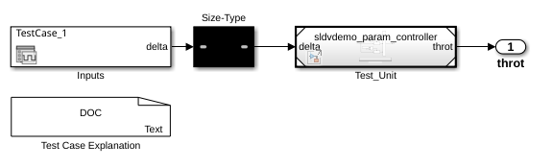
Using Command Line Functions to Support Changing Parameters
Generate test data by using command line functions that uses different parameter values.
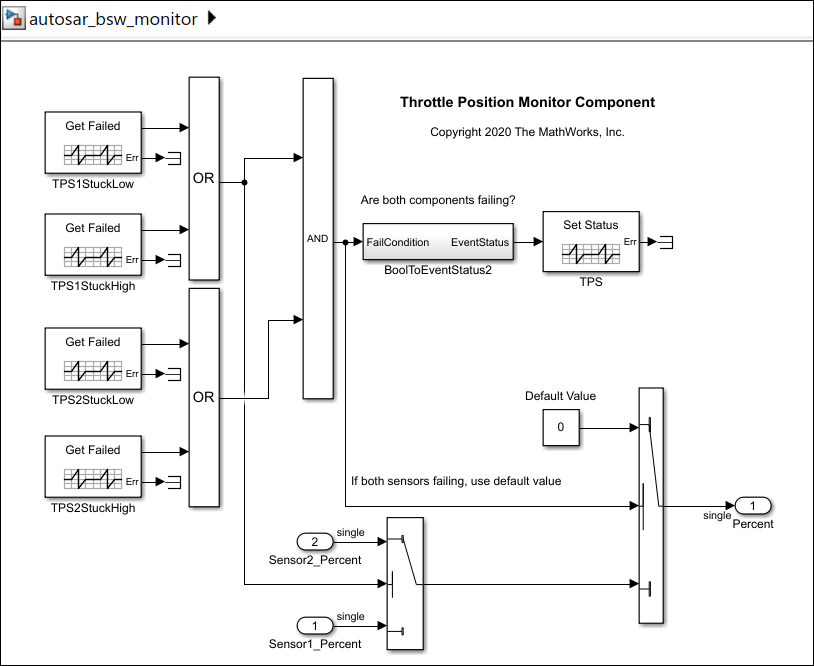
Detect Design Errors in AUTOSAR Software Component Model
Perform unit-testing to detect design errors in an AUTOSAR component.
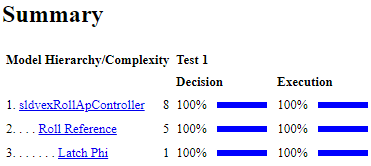
Extend Existing Test Cases After Applying Parameter Configurations
Achieve missing coverage after applying parameter configurations.
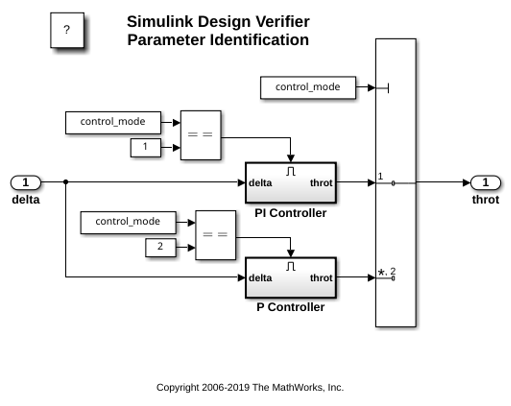
Generate Parameters Values
Tune parameters using parameter configuration file for analysis.

