AXI Manager
R2026bUse AXI manager to access subordinate memory locations on the board. You can read from and write to on-board memory locations from MATLAB® or Simulink® over Ethernet (programmable logic (PL) Ethernet or processing system (PS) Ethernet), JTAG, PCI Express®, or USB Ethernet interface.
Apps
| Logic Analyzer | Visualize, measure, and analyze transitions and states over time |
Objects
aximanager | Read and write memory locations on FPGA board from MATLAB |
xilinxsoc | Connection to processor on Xilinx SoC board to perform basic Linux shell operations or program the board (Since R2022a) |
Functions
setupAXIManagerForVivado | Add AXI manager IP path to Vivado project |
readmemory | Read data out of AXI4 memory-mapped subordinates |
writememory | Write data to AXI4 memory-mapped subordinates |
release | Release JTAG or Ethernet cable resource |
copyImageToHostSDCardPath | Copy board-specific SD card image files to host SD card location |
loadImageToTargetSDCardPath | Load board-specific SD card image files to target SoC device SD card location |
programFPGA | Program FPGA and set corresponding device tree from processor on SoC board (Since R2022a) |
Blocks
 | AXI Manager Read | Read memory locations on FPGA board from Simulink |
 | AXI Manager Write | Write memory locations on FPGA board from Simulink |
Topics
Overview
- Set Up AXI Manager
High-level steps for accessing memory-mapped locations on an FPGA board from MATLAB or Simulink.
AXI Manager Requirements and Preparation
- Install Support for AMD FPGA and SoC Devices
Instructions to install support for AMD® FPGA and SoC devices. - Set Up FPGA Design Software Tools
Set the MATLAB path to AMD, Microchip, and Intel® software. - Set Up AMD FPGA and SoC Devices
Configure and verify your hardware connection, using the hardware setup tool. - Configure Logic Analyzer
Adjust settings in the Logic Analyzer.
AXI Manager Processes
- Set Up AXI Manager
High-level steps for accessing memory-mapped locations on an FPGA board from MATLAB or Simulink. - JTAG AXI Manager
Integrate and configure JTAG AXI manager. - Ethernet AXI Manager
Integrate and configure Ethernet AXI manager for AMD devices. - Ethernet AXI Manager for AMD Zynq SoC Devices
Configure Ethernet AXI manager for AMD Zynq® SoC devices. - PCI Express AXI Manager
Integrate and configure AXI manager IP over PCI Express. - USB Ethernet AXI Manager
Run AXI manager over USB Ethernet interface. - Use Simulink to Access FPGA Locations
Access memory-mapped locations on an FPGA board from Simulink. - AXI Manager Simulation
Simulate AXI manager using the Vivado® simulator.
Featured Examples
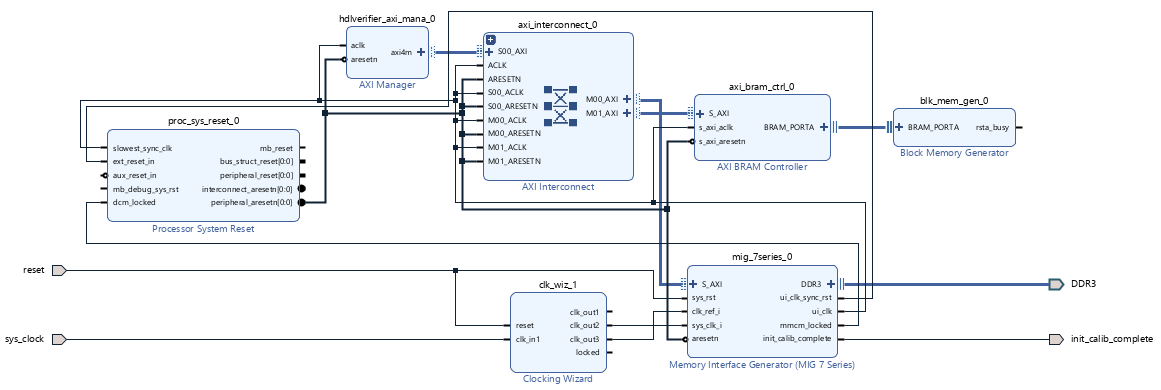
Access FPGA Memory Using JTAG-Based AXI Manager
Use JTAG-based AXI manager to access memories connected to an FPGA.
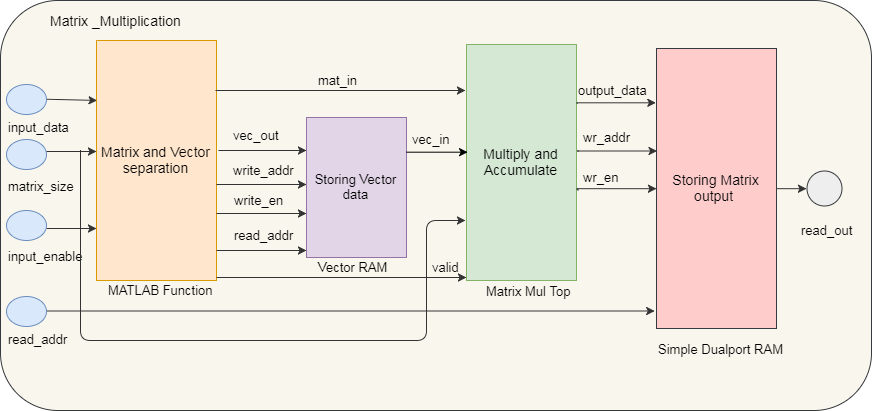
Perform Large Matrix Multiplication on FPGA External DDR Memory Using Ethernet-Based AXI Manager
Use Ethernet-based AXI manager to access external memory connected to an FPGA.
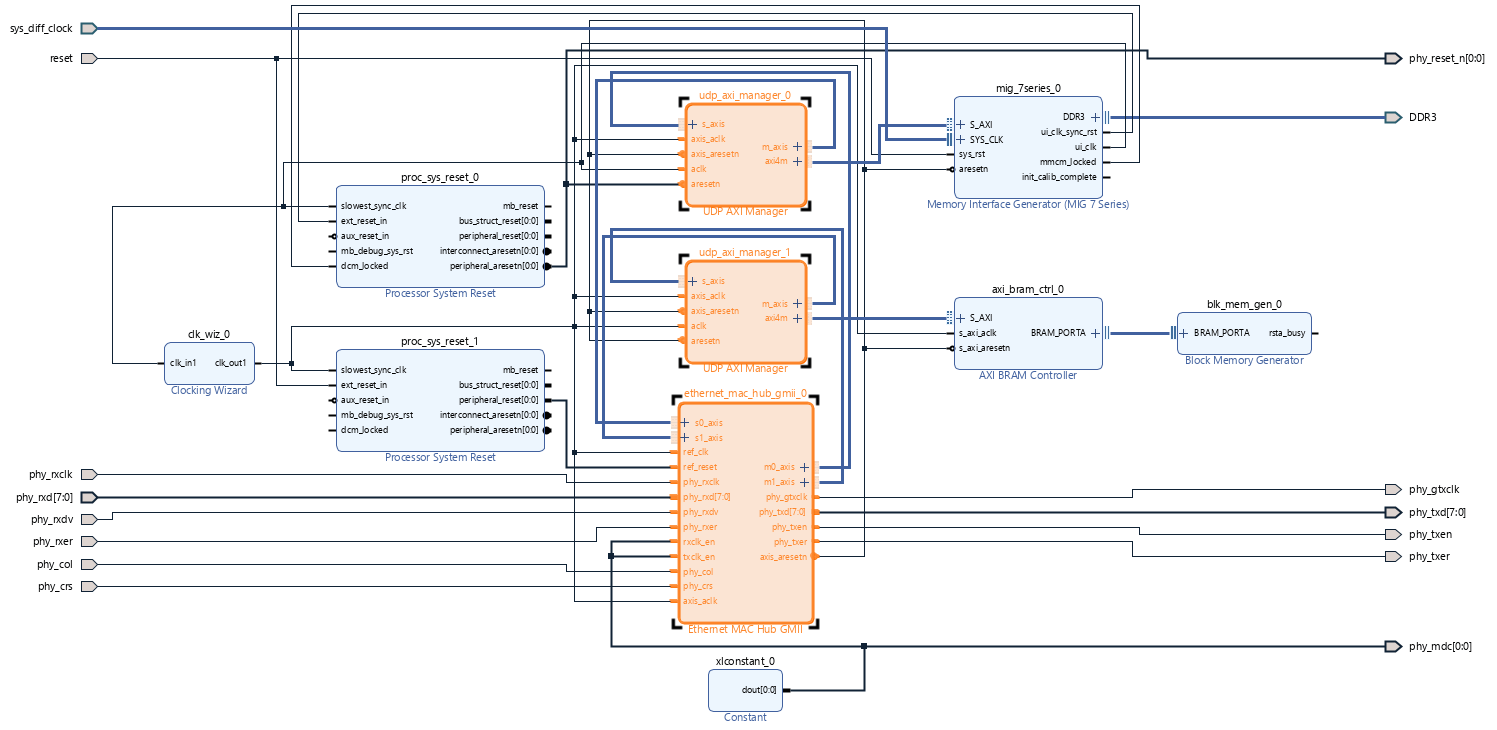
Access FPGA Memory Using Ethernet-Based AXI Manager
Use Ethernet-based AXI manager to access internal and external memories of FPGA through different UDP ports.
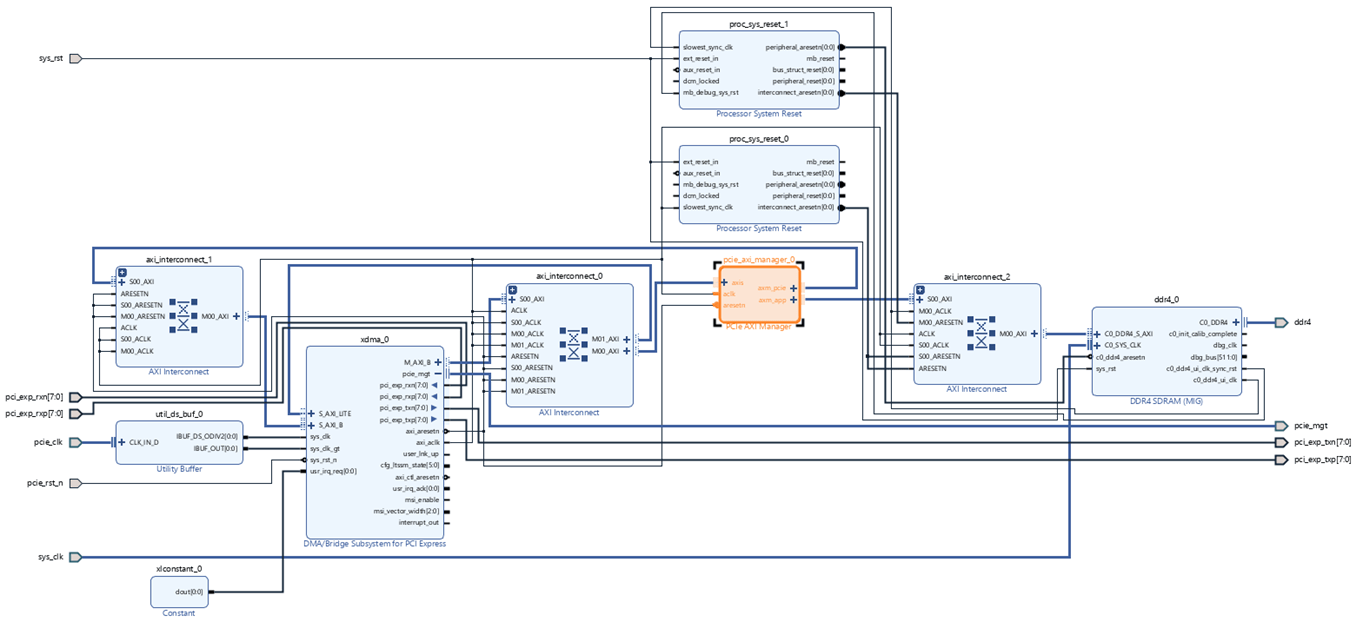
Access FPGA External Memory Using AXI Manager over PCI Express
Use AXI manager over PCI Express to access external memory connected to an FPGA.
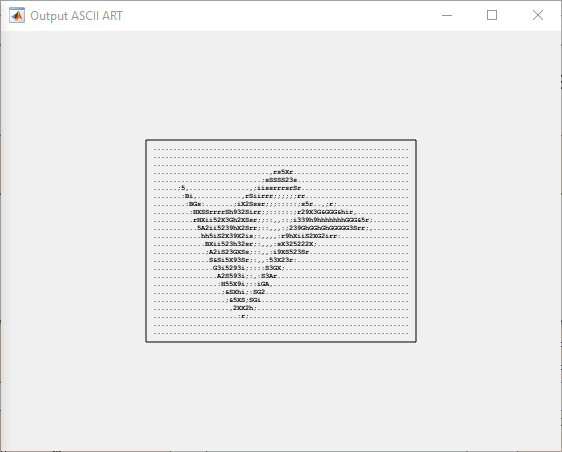
Leverage Built-In Ethernet on Zynq to Perform Memory Access Using AXI Manager
Use Ethernet-based AXI manager to access external memory and FPGA IPs on Xilinx® Zynq-7000 ZC706 board.

