Develop Algorithms with Live Video Capture
R2026bUse the Video Capture blocks with SoC Blockset™ Support Package for AMD FPGA and SoC Devices to import live video into your Simulink® model. Then, add frame-based vision processing algorithms from Computer Vision Toolbox™ or pixel-streaming algorithms from Vision HDL Toolbox™.
Blocks
 | Video Capture HDMI | Import live video frames from HDMI FMC card on Zynq-based hardware (Since R2023a) |
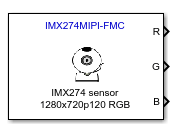 | Video Capture MIPI | Import live video frames from MIPI CSI-2 card on Zynq-based hardware (Since R2022b) |
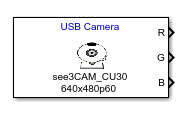 | Video Capture USB | Import live video frames from one or more USB cameras on Zynq-based hardware (Since R2024b) |
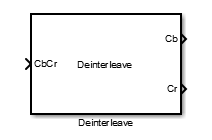 | Deinterleave | Convert interleaved CbCr frame to separate components |
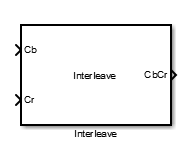 | Interleave | Convert separate Cb and Cr components into interleaved CbCr frame |
Topics
- Software and Hardware Requirements for Vision Applications
Supported products, EDA tools, and boards for video capture and deep learning designs.
- Create Model Using Simulink Templates
Get started with a model configured for HDMI video processing.
- Default Video System Reference Design
Learn about the default video system reference design and its requirements.
- Zynq Video Dataflow for HDMI Input
Learn about the video data path through the Zynq® board when connected to an HDMI FMC card.
- Zynq Video Dataflow for MIPI Input
Learn about the video data path through the Zynq board when connected to a MIPI® CSI-2® FMC card.
- Design Frame-Based Algorithms
Create a Simulink model for frame-based video processing.
- Design Pixel-Streaming Algorithms for Hardware Targeting
Create a Simulink model for pixel-streaming video processing using live input from a camera.
Troubleshooting
Product Installation Problems and Fixes
Troubleshoot product installation issues.
Board Connection Problems and Fixes
Troubleshoot hardware connection issues.
Video Speed and Quality Problems and Fixes
Troubleshoot video input and output issues.
Troubleshoot simulation issues.
Setup for ARM Targeting with IP Core Generation Workflow
Set up embedded processor compiler and connection.
Configure Display for VGA Playback
Configure a display for smaller video dimensions.
Related Information
- Streaming Pixel Interface (Vision HDL Toolbox)
Featured Examples
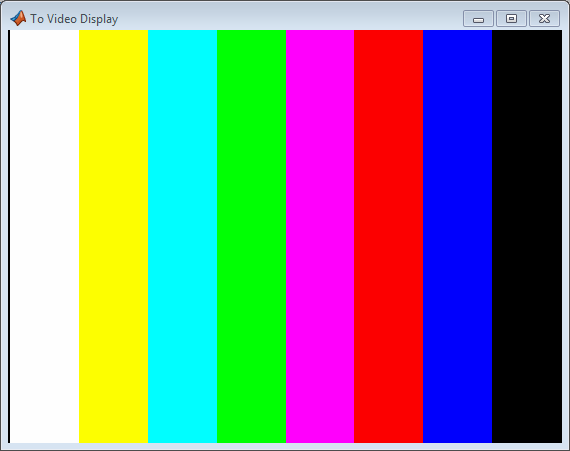
Getting Started with Vision Zynq Hardware
Capture video into Simulink from an HDMI camera connected to your FPGA board.
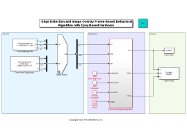
Developing Vision Algorithms for Zynq-Based Hardware
Design and deploy a streaming video algorithm to the FPGA on a Zynq device.
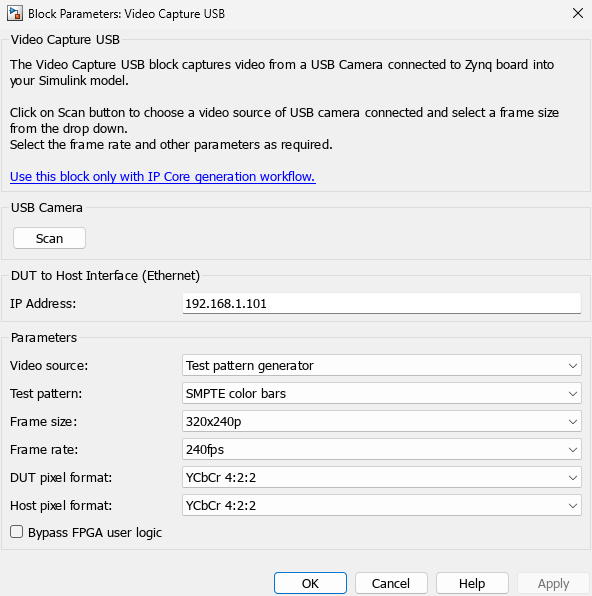
Getting Started with USB Camera
Capture video into Simulink from a USB camera connected to your FPGA board.
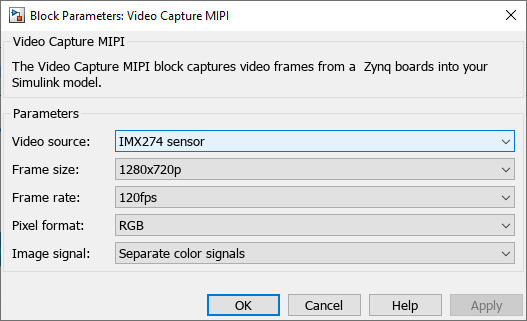
Getting Started with MIPI Sensor
Capture video into Simulink from a MIPI sensor connected to your FPGA board.
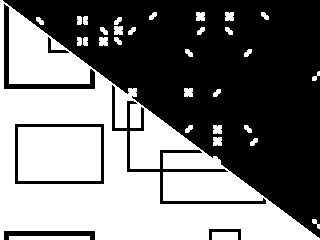
Corner Detection with Zynq-Based Hardware and MIPI Sensor
Target a corner detection algorithm to a ZCU106 device with a MIPI® add-on card by using the SoC Blockset™ Support Package for AMD® FPGA and SoC Devices.
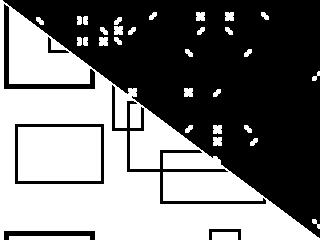
Corner Detection and Image Overlay with Zynq-Based Hardware
Target corner detection algorithm to the Zynq® hardware using the SoC Blockset™ Support Package for AMD® FPGA and SoC Devices.
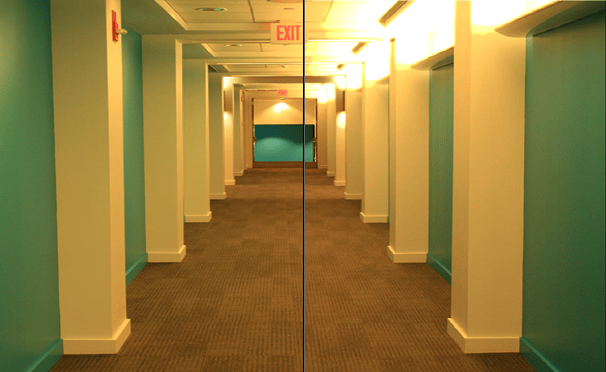
MultiPixel-MultiComponent Streaming with Zynq-Based Hardware
Target multipixel multicomponent algorithm to the Zynq® hardware using the SoC Blockset™ Support Package for AMD® FPGA and SoC Devices.
Gamma Correction with Zynq-Based Hardware
Target gamma correction algorithm to the Zynq® hardware using the SoC Blockset™ Support Package for AMD® FPGA and SoC Devices.
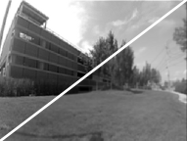
Image Sharpening with Zynq-Based Hardware
Target image sharpening algorithm to the Zynq® hardware using the SoC Blockset™ Support Package for AMD® FPGA and SoC Devices.
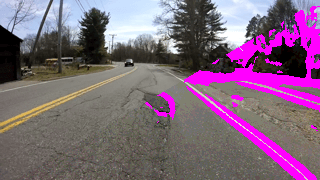
Bilateral Filtering with Zynq-Based Hardware
Target bilateral filter algorithm to the Zynq® hardware using the SoC Blockset™ Support Package for AMD® FPGA and SoC Devices.

