Unified Architecture
R2026bIndustrial Communication Toolbox™ provides an OPC UA client to connect to OPC UA servers. Using the client, you connect to the server, query server status, browse the server namespace, read and write current values, and read historical values from nodes on the server. Historical data is retrieved as OPC data objects, which allow you to process historical data in preparation for common analysis tasks.
Blocks
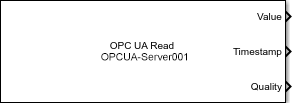 | OPC UA Read | Read data from OPC UA server (Since R2024a) |
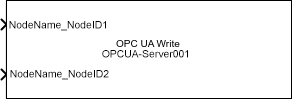 | OPC UA Write | Write data to OPC UA server (Since R2024a) |
Functions
Apps
| OPC UA Explorer | Connect to and communicate with OPC UA servers (Since R2026a) |
Topics
Overview and Fundamentals
- About OPC Unified Architecture
Learn about the OPC UA standard platform. - OPC UA Server Data Types
Learn about types of OPC UA data values. - OPC UA Aggregate Functions
Retrieve OPC UA historical data as an aggregate of a function.
Security Considerations When Connecting to OPC UA Server
- OPC UA Authentication and Message Encryption
Establish encrypted, authenticated connections between OPC UA servers and clients. - OPC UA Certificate Management
Manage keys for communications between OPC UA servers and clients.
Workflow Tutorials
- Access Data from OPC UA Servers
Create an OPC UA client by retrieving current and historical data. - Access OPC Classic (DA) Servers Using OPC UA Tunneling
Connect to OPC Classic Data Access servers from MATLAB by using third-party tunneling software. - Configure OPC UA Client in Simulink
Configure OPC UA clients for model. (Since R2024a) - Create and Deploy Standalone OPC UA Application
Implement standalone application using OPC UA functionality. - Configure Server Connection in OPC UA Explorer App
Configure the OPC UA Explorer app for communication with an OPC UA server. (Since R2026a)
Featured Examples

Browse OPC UA Server Namespace
Find OPC Unified Architecture (UA) servers, connect to them, and browse their namespace to find nodes of interest.
Read and Write Current OPC UA Server Data
Read and write current values on an OPC UA server.
Read Historical OPC UA Server Data
Read historical data from an OPC UA server.
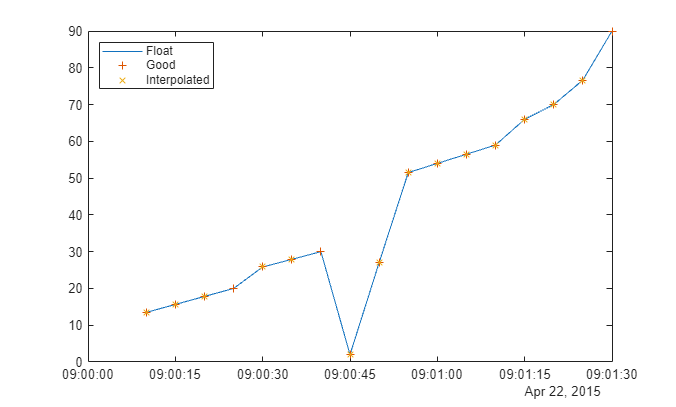
Visualize and Preprocess OPC UA Data
Work with OPC UA Data objects.
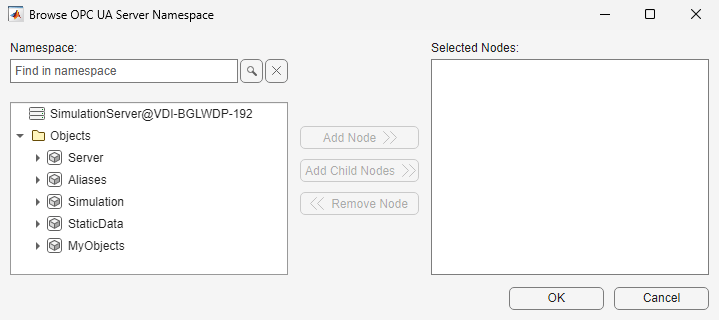
Subscribe OPC UA Nodes for Data Change
Use an OPC UA client to subscribe to a set of nodes with a callback function.
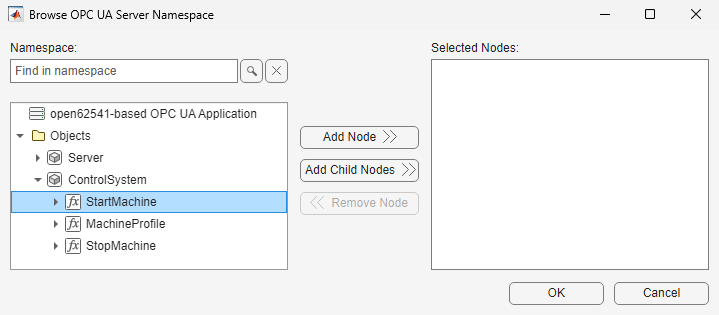
Call Method Nodes from OPC UA Client
Call method nodes from an OPC UA client to control various aspects of plant operations in a simple factory scenario.
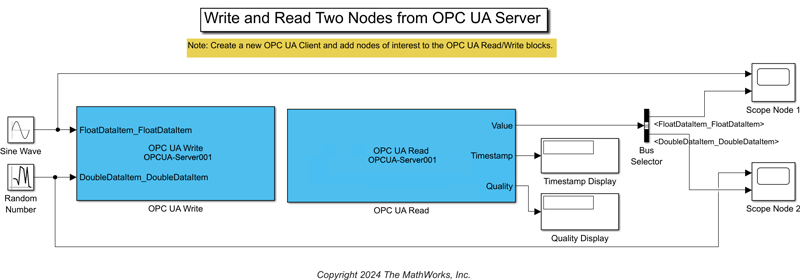
Get Started with OPC UA in Simulink
Read and write data to nodes available on an OPC Unified Architecture (UA) server using Simulink® blocks from Industrial Communication Toolbox™. You can connect to the server using a Simulink model that acts as an OPC UA client. You can perform read and write operations in the model using the OPC UA Read and OPC UA Write blocks.
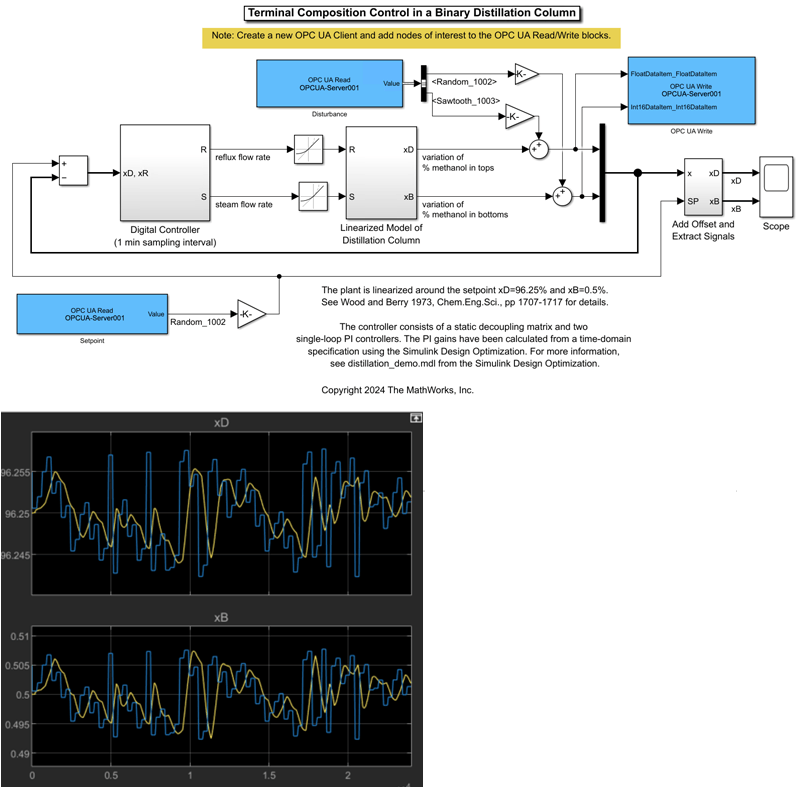
Use OPC UA Data to Test Binary Distillation Column Plant Model
Use data from an OPC UA server to test composition control of a binary distillation column model.
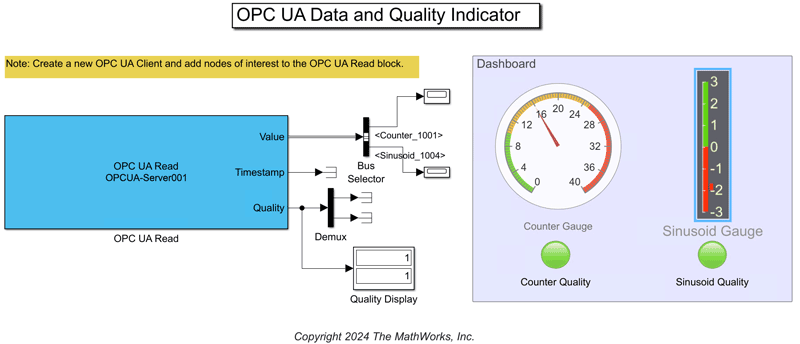
Monitor Data Value and Quality of OPC UA Nodes in Simulink
Implement a dashboard showing instantaneous values and quality metrics related to specific OPC Unified Architecture (UA) nodes using Simulink® blocks from Industrial Communication Toolbox™.
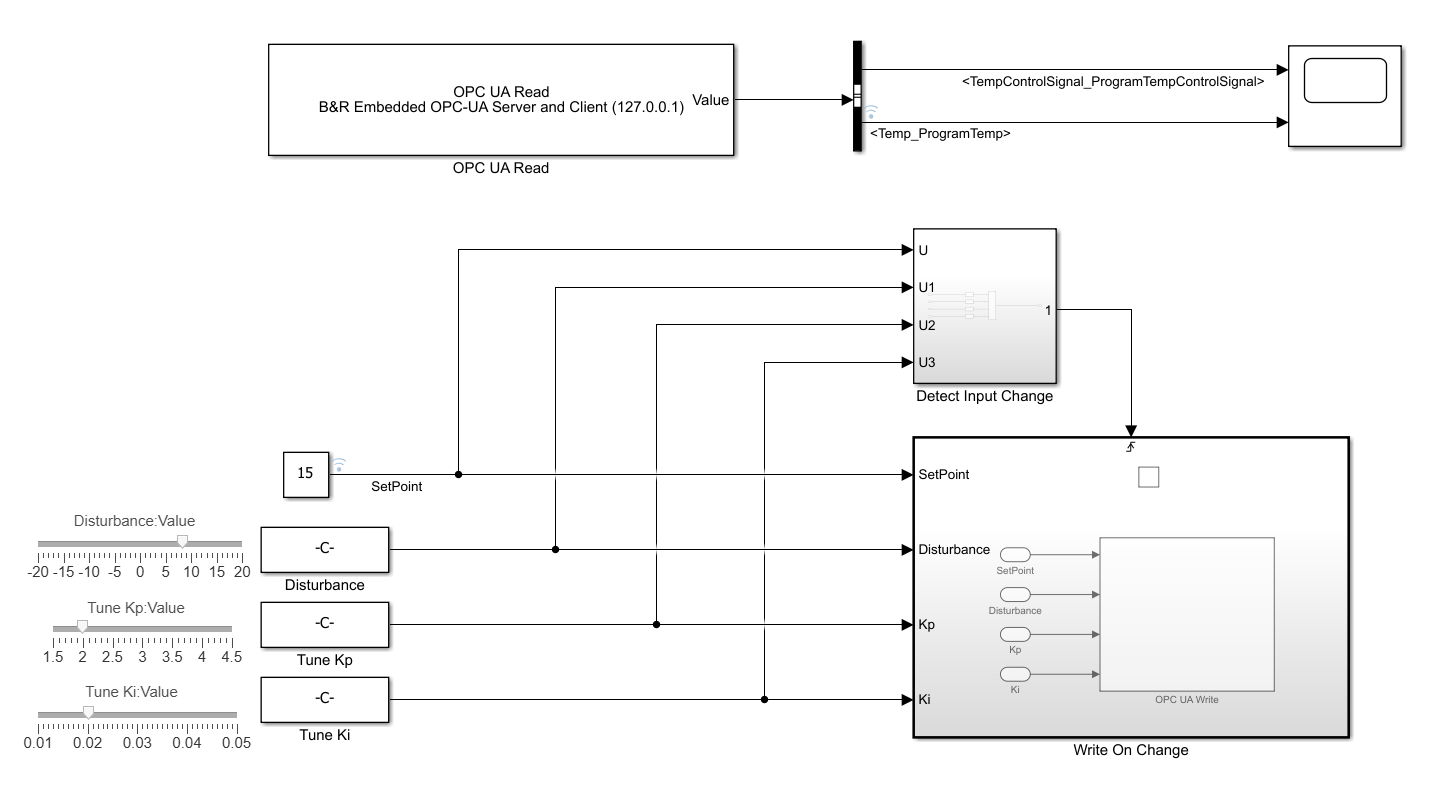
Digital Twin of PLC-Controlled System with Simulink and OPC UA
Implement a model-based digital twin workflow using Simulink® blocks from Industrial Communication Toolbox™. Starting with a PI-controlled plant model in Simulink, you generate structured text for the controller with Simulink PLC Coder™, and deploy it to a simulated PLC. You then build a Simulink digital twin of the plant model that communicates with the controller over OPC UA. This architecture lets you monitor live controller signals, validate closed-loop performance, and tune controller parameters under realistic operating conditions.
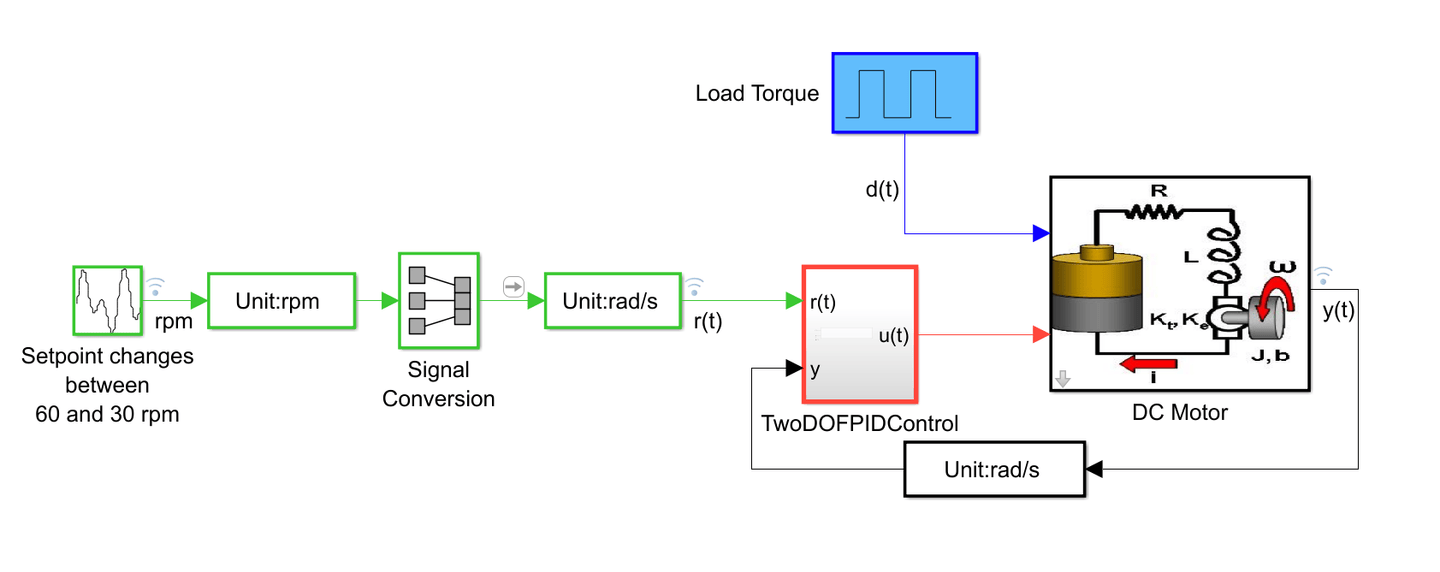
Verify Code by Using Co-Simulation and a SoftPLC
In this example, you verify IEC 61131-3 Structured Text code by using co-simulation and a software-based programmable logic controller (SoftPLC). You build and simulate a verification model in Simulink® and run the Structured Text code on a CODESYS SoftPLC. The verification model uses Simulink OPC UA blocks to communicate with and retrieve the data from the SoftPLC.

