OPC UA Read
R2026bOPC UA Read block
To add a block to a model, double-click the canvas and start typing the block name. Then, select the block from the list.
Libraries:
Industrial Communication Toolbox /
OPC Unified Architecture
Description
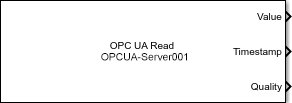
The OPC UA Read block reads data from one or more nodes on an OPC Unified Architecture (UA) server. The block subscribes to the selected nodes and receives data changes asynchronously. At each sample time, the block outputs the most recent value received from the server.
The block outputs the values of the selected nodes as a Simulink® bus signal. It optionally outputs the timestamps and the quality value associated with each node in separate outputs. The nodes that you select in the block can have different data types, which remain unchanged in the Simulink bus signal. The block outputs the timestamp as a serial date number (real-world time), or as the number of seconds from when you start simulating the model (simulation time).
Note
You must connect at least one OPC UA server to use the OPC UA Read block. You can create an OPC UA client using the OPC Configuration pane in the Configuration Parameters dialog box of the model. You must add at least one OPC UA Read or OPC UA Write block in the model to enable this pane. For more information, see Configure OPC UA Client in Simulink.
Examples
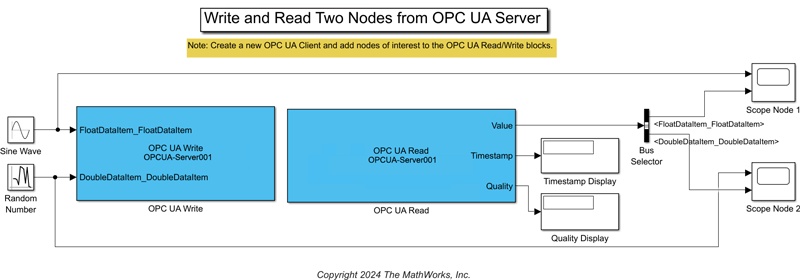
Get Started with OPC UA in Simulink
Read and write data to nodes available on an OPC Unified Architecture (UA) server using Simulink® blocks from Industrial Communication Toolbox™. You can connect to the server using a Simulink model that acts as an OPC UA client. You can perform read and write operations in the model using the OPC UA Read and OPC UA Write blocks.
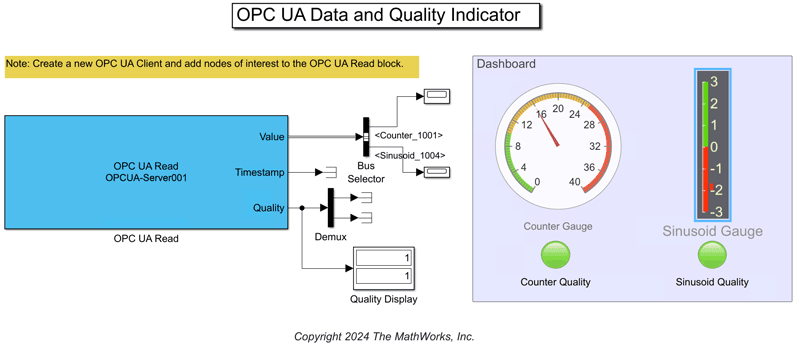
Monitor Data Value and Quality of OPC UA Nodes in Simulink
Implement a dashboard showing instantaneous values and quality metrics related to specific OPC Unified Architecture (UA) nodes using Simulink® blocks from Industrial Communication Toolbox™.
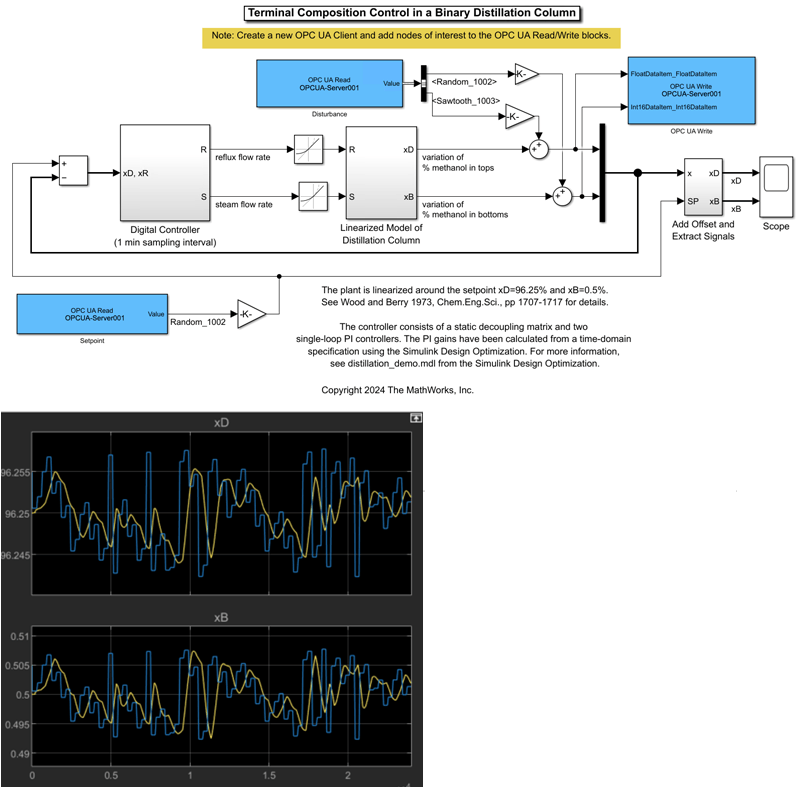
Use OPC UA Data to Test Binary Distillation Column Plant Model
Use data from an OPC UA server to test composition control of a binary distillation column model.
Ports
Output
Parameters
Programmatic Use: Add Block
To add the block programmatically, use the add_block function with one of these library block paths as the source.
"opcualib/OPC UA Read"
Example: add_block("opcualib/OPC UA Read","myModel/myBlock",MakeNameUnique="on")

