
You are now following this Submission
- You will see updates in your followed content feed
- You may receive emails, depending on your communication preferences
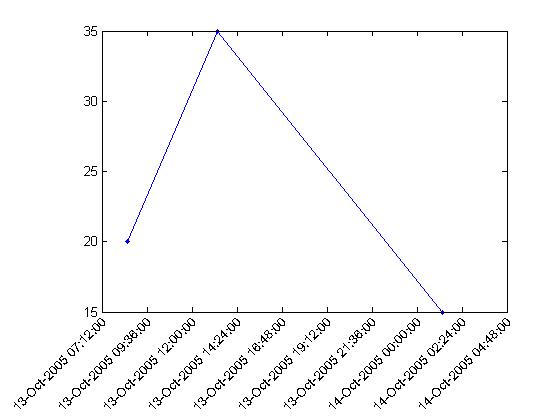
ROTATETICKLABEL rotates tick labels. Any arbitrary rotation is acceptable. A demo is included. Right now it only can rotate XTickLabels but it would be easy to modify to rotate YTickLabels.
TH=ROTATETICKLABEL(H,ROT) is the calling form where H is a handle to the axis that contains the XTickLabels that are to be rotated. ROT is an optional parameter that specifies the angle of rotation. The default angle is 90. TH is a handle to the text objects created. For long strings such as those produced by datetick, you may have to adjust the position of the axes so the labels don't get cut off.
Cite As
Andrew Bliss (2026). Rotate Tick Label (https://uk.mathworks.com/matlabcentral/fileexchange/8722-rotate-tick-label), MATLAB Central File Exchange. Retrieved .
General Information
- Version 1.0.0.0 (1.78 KB)
MATLAB Release Compatibility
- Compatible with any release
Platform Compatibility
- Windows
- macOS
- Linux
| Version | Published | Release Notes | Action |
|---|---|---|---|
| 1.0.0.0 | add new keywords |
