AI-Assisted and Automated Labeling
R2026bTo accelerate the labeling process, Computer Vision Toolbox™ provides built-in AI-assisted and automated labeling algorithms that integrate directly into the Image Labeler and Video Labeler apps. These include advanced models, like the Segment Anything Model (SAM) for automatic pixel-level segmentation and Grounding DINO for object detection using natural language prompts. These tools enable you to quickly generate high-quality annotations with minimal manual effort, either by interactively selecting regions or automatically labeling entire scenes. To get started with using AI-assisted and automated labeling, see Get Started with AI-Assisted and Automated Labeling.
For more control and customization over the automation process and its parameters, you can create and import custom automation algorithms into the labeling apps. You can implement these automation algorithms using either a function-based interface or class-based interface, with support for specialized workflows such as temporal automation for tracking across frames, and blocked image automation for handling large-scale images. For more details, see Create Custom Automation Algorithm for Labeling.
Apps
| Image Labeler | Label images for computer vision applications |
| Video Labeler | Label video for computer vision applications |
Functions
Topics
- Get Started with AI-Assisted and Automated Labeling
Get started with AI-assisted and automated image and video labeling workflows in Image Labeler and Video Labeler apps.
- Create Custom Automation Algorithm for Labeling
Create a custom automation algorithm using a class-based interface to use in a labeler app.
- Create Automation Algorithm Function for Labeling
Create a custom automation algorithm function to use in a labeling app.
- Temporal Automation Algorithms
Create a time-based custom tracking algorithm to import into a labeling app.
- Blocked Image Automation Algorithms
Create a blocked image custom automation algorithm to import into a labeling app.
Featured Examples
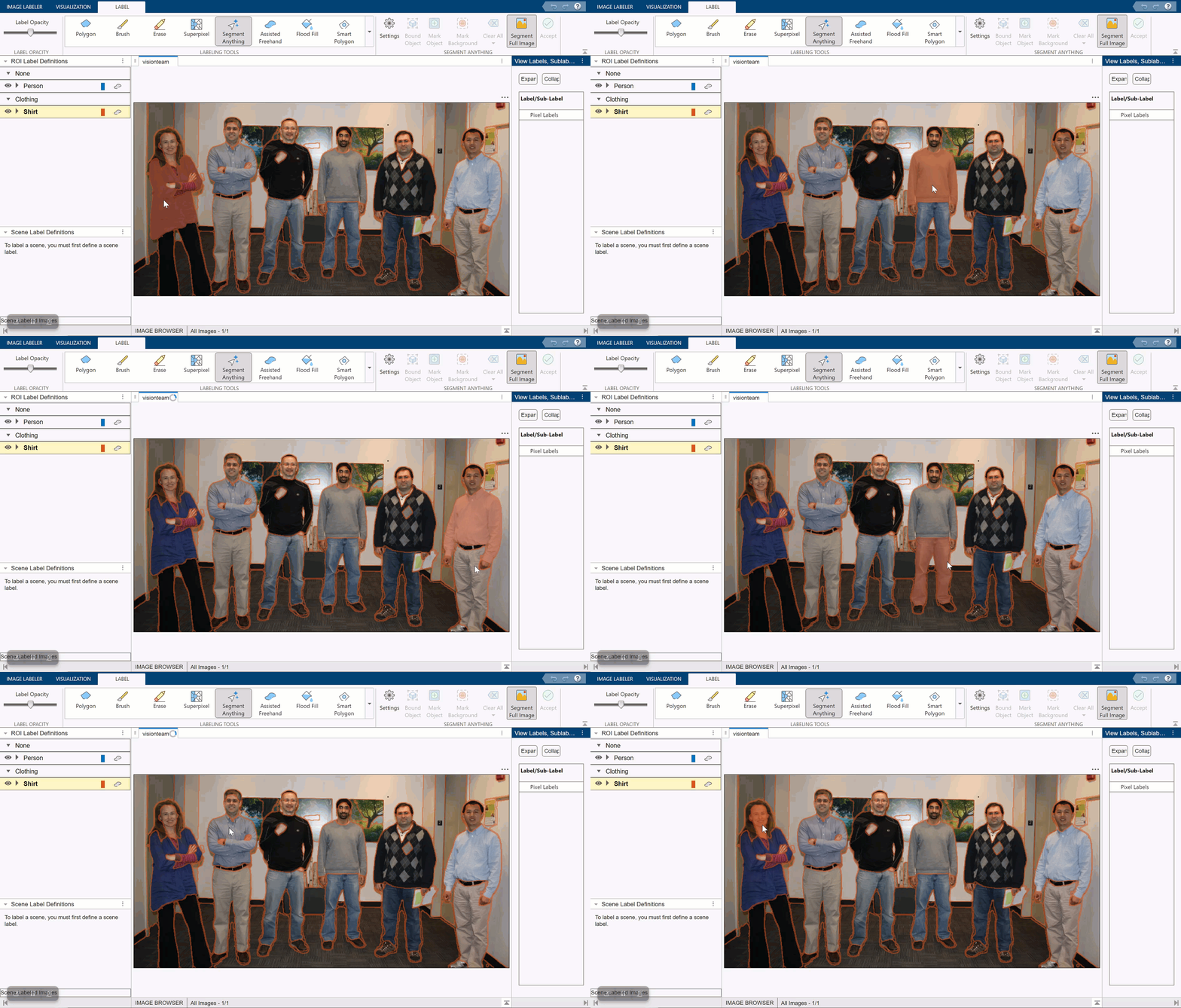
Automatically Label Ground Truth Using Segment Anything Model
Label pixels using the Segment Anything Model (SAM) in the Image Labeler app.
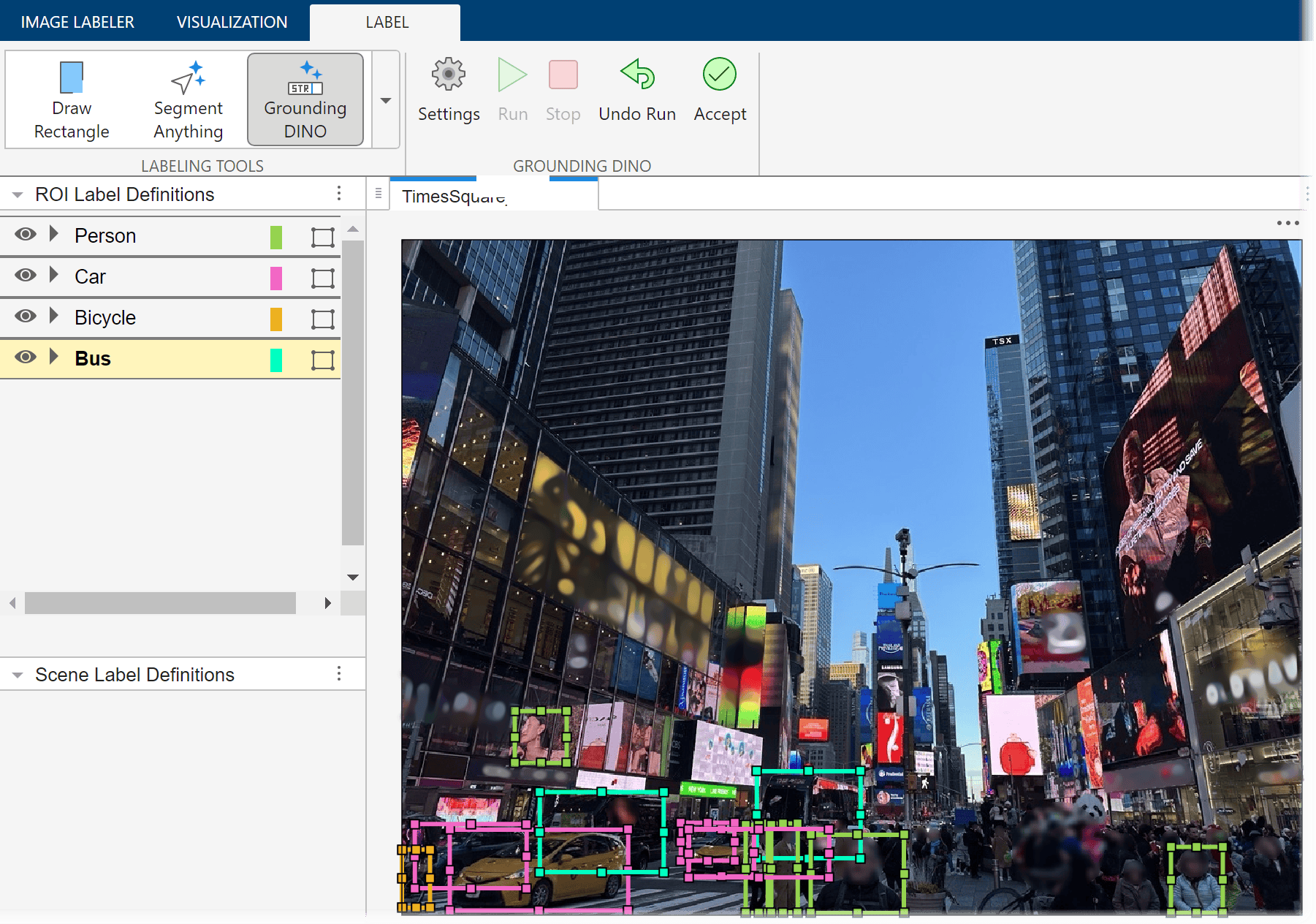
Automatically Label Ground Truth Using Vision-Language Model
Automatically label ground truth images for object detection using the Grounding DINO vision-language model (VLM).
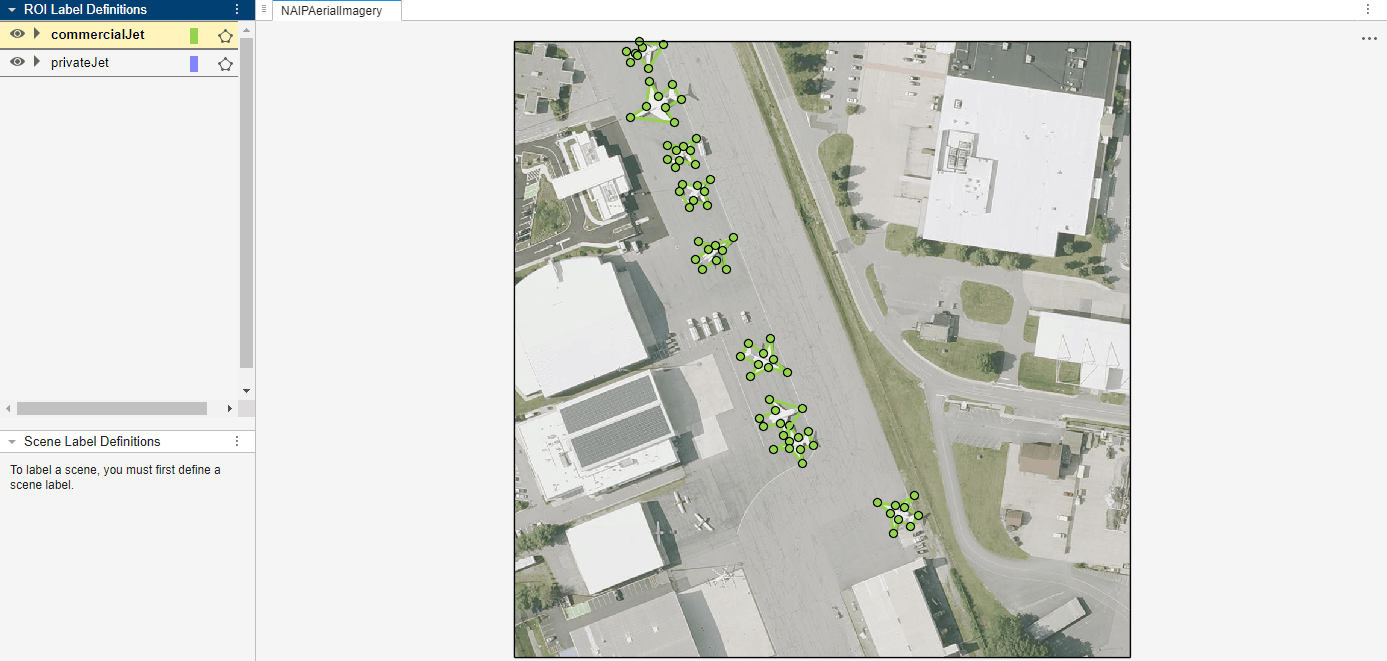
Automate Ground Truth Polygon Labeling Using Grounded SAM Model
Combine Grounding DINO and the Segment Anything Model 2 (SAM 2) to automatically produce polygon labels using the Video Labeler app.
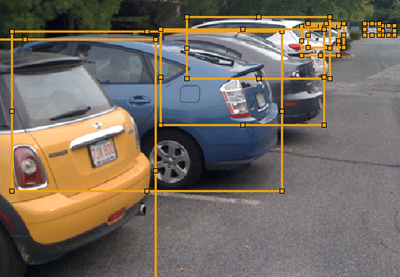
Automate Ground Truth Labeling for Object Detection
Create an automation algorithm to automatically label data for object detection using a pretrained object detector.
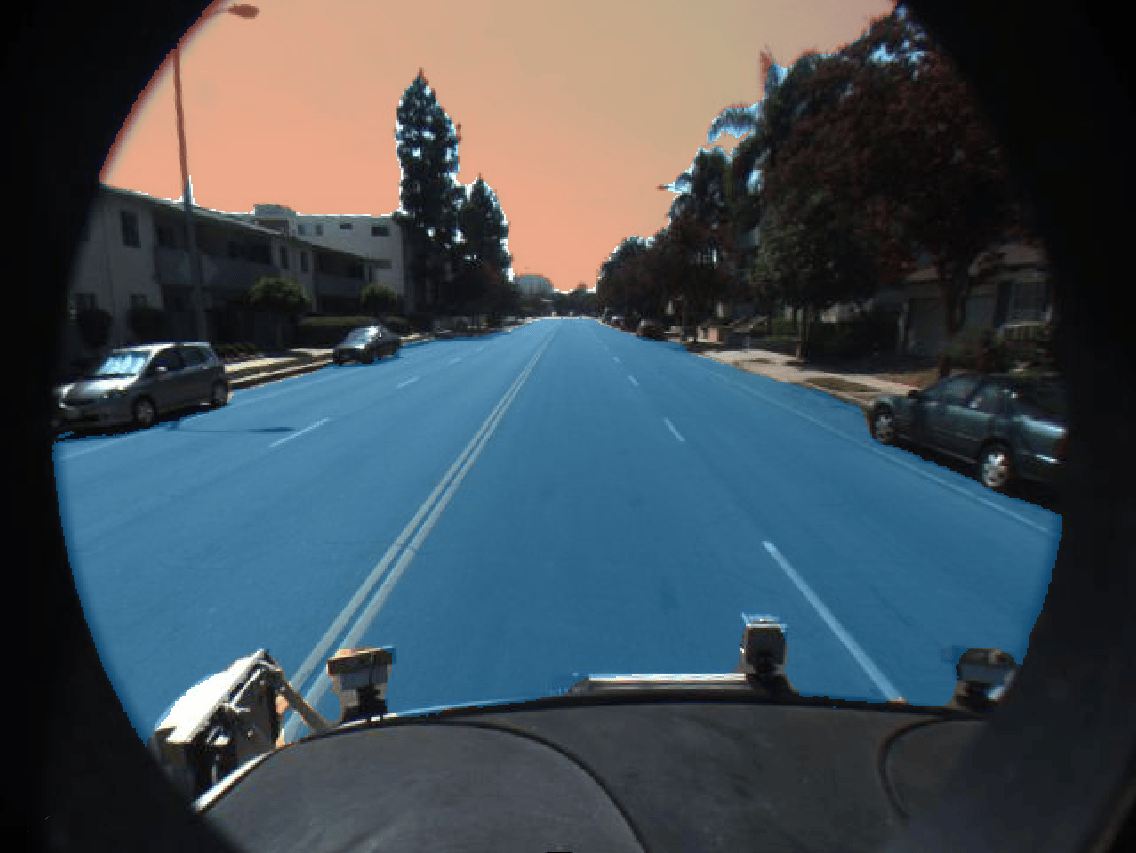
Automate Ground Truth Labeling for Semantic Segmentation
Use a pretrained semantic segmentation algorithm to segment the sky and a road in an image.
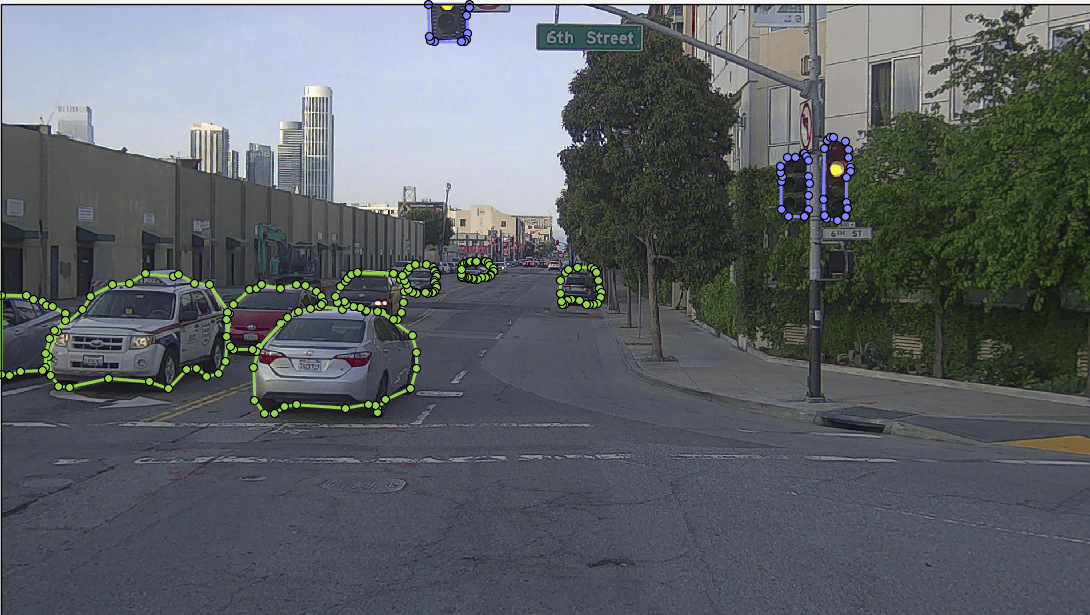
Automate Ground Truth Labeling for Instance Segmentation
Create an automation algorithm to automatically label data for instance segmentation using a pretrained SOLOv2 network in the Video Labeler app.
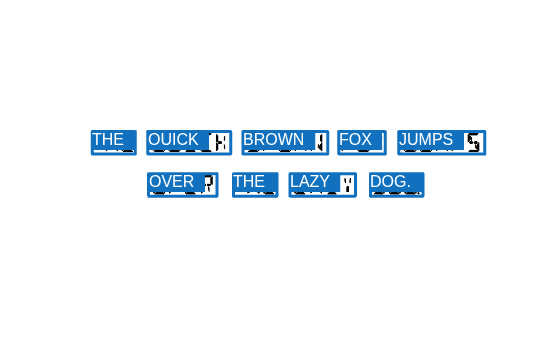
Automate Ground Truth Labeling for OCR
Automate the labeling of text for OCR training and evaluation.
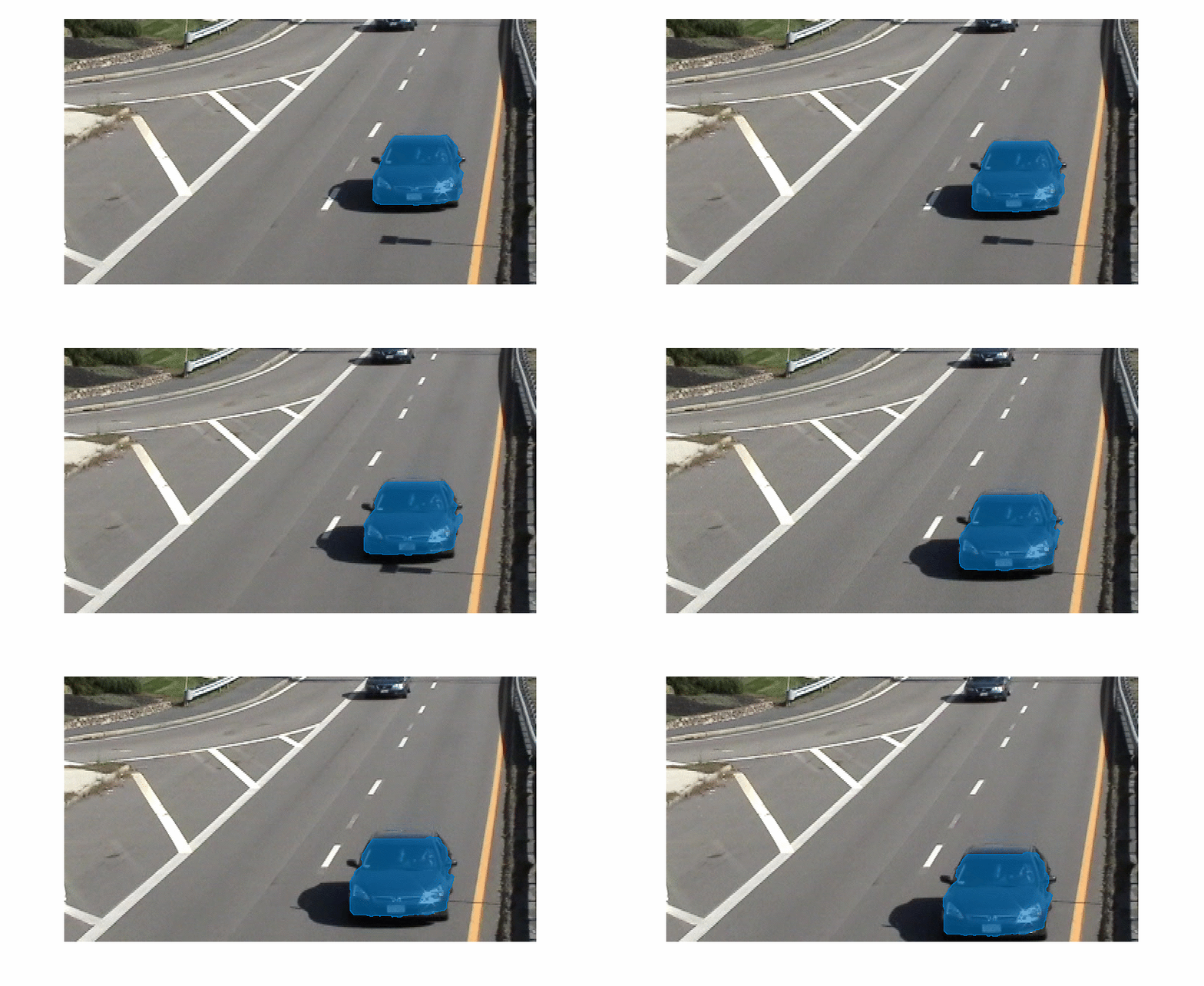
Automate Labeling of Objects in Video Using RAFT Optical Flow
Use a pretrained RAFT optical flow estimation network to propagate a predefined object mask from one frame to the next in a video sequence.
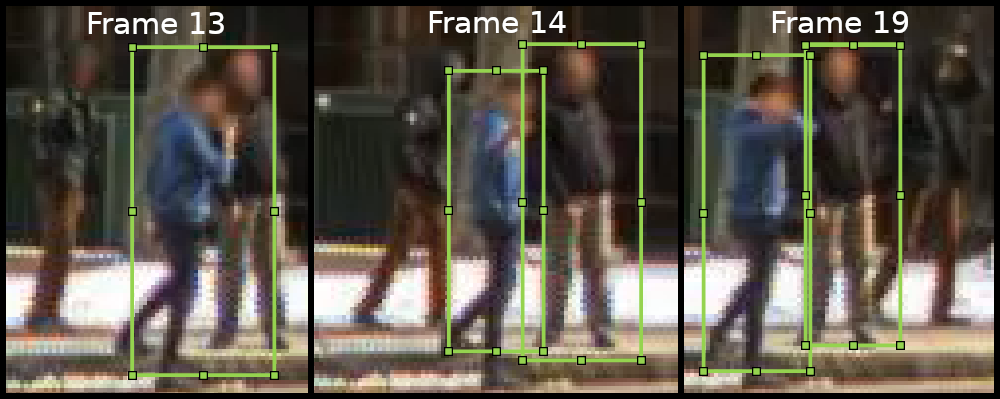
Automate Ground Truth Labeling for Object Tracking and Re-Identification
Create an automation algorithm to automatically label data for object tracking and for object re-identification.

