Describe Component Behaviors
R2026bDefine component behaviors in your architecture models to implement system design.
Link components to a Simulink model or subsystem.
Add state machine behavior in Stateflow to components.
Add physical behavior in Simscape to components.
Link components to existing functional mock-up units (FMU).
Specify parameters as model arguments to set instance-specific values on components. Each component linked to the same referenced model or architecture can specify independent values for a parameter.
Blocks
 | Component | Add components to architecture model |
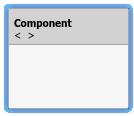 | Reference Component | Link to architectural definition or Simulink behavior |
Classes
Functions
Tools
| Architecture Views Gallery | Create and manage views and sequence diagrams |
| Parameter Editor | Add, edit, and promote parameters for architectures and components (Since R2022b) |
| Sequence Viewer | Visualize messages, events, states, transitions, and functions |
| Allocation Editor | Create and manage model-to-model allocations |
Topics
- Implement Component Behavior Using Simulink
Associate components with behavior models in Simulink.
- Transmit Signal Data Between Components Linked to Behavior Models
Use Simulink buses with System Composer interfaces for modeling and simulation.
- Implement Component Behavior Using Simscape
Associate components with physical behavior in Simscape.
- Implement Component Behavior Using Stateflow Charts
Associate components with state machine behavior in Stateflow.
- Implement Component Behavior Using Activity Diagrams
Associate components with functional behavior models in Activity Diagram.
Featured Examples
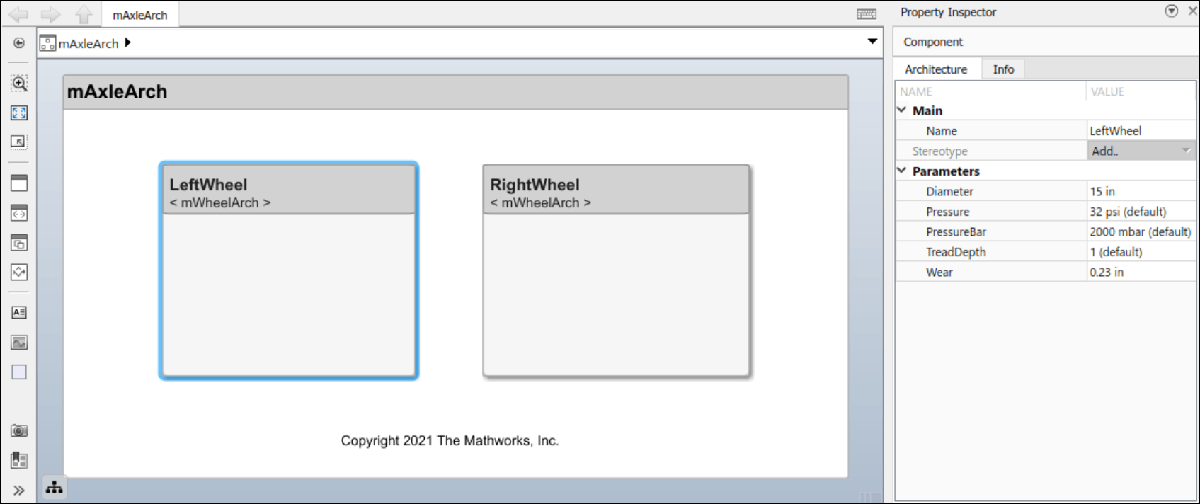
Use Parameters to Store Instance Values with Components
Use instance-specific parameter values on referenced models to specify component parameters independently.
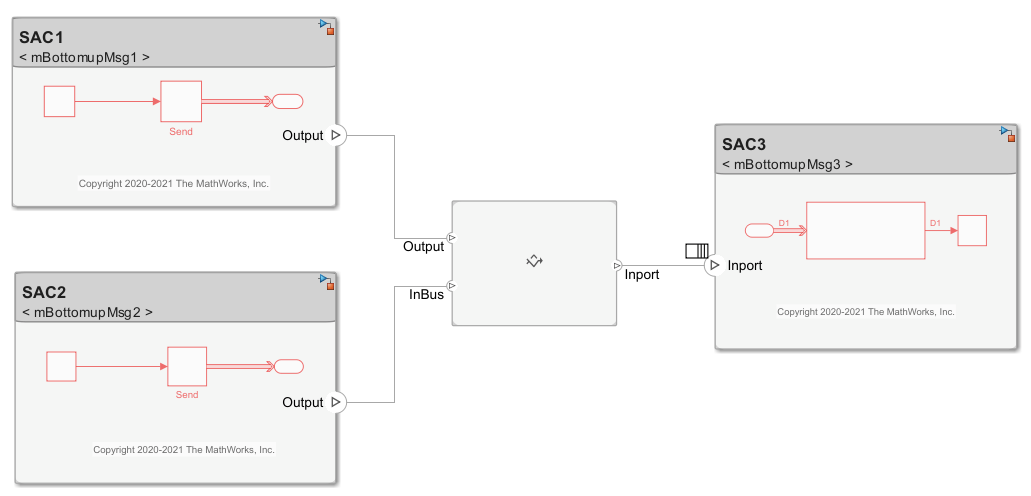
Merge Message Connections for Architectures Using Adapter Block
Use an Adapter block to route messages between reference components in a system architecture.
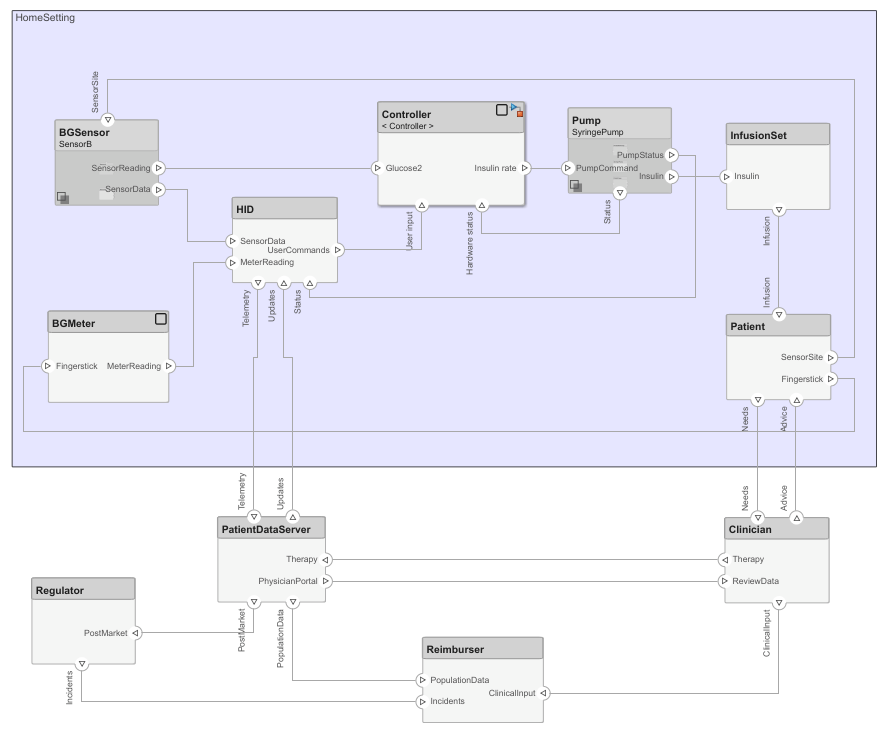
Design Insulin Infusion Pump Using Model-Based Systems Engineering
Design an insulin infusion pump with variant analysis using System Composer.
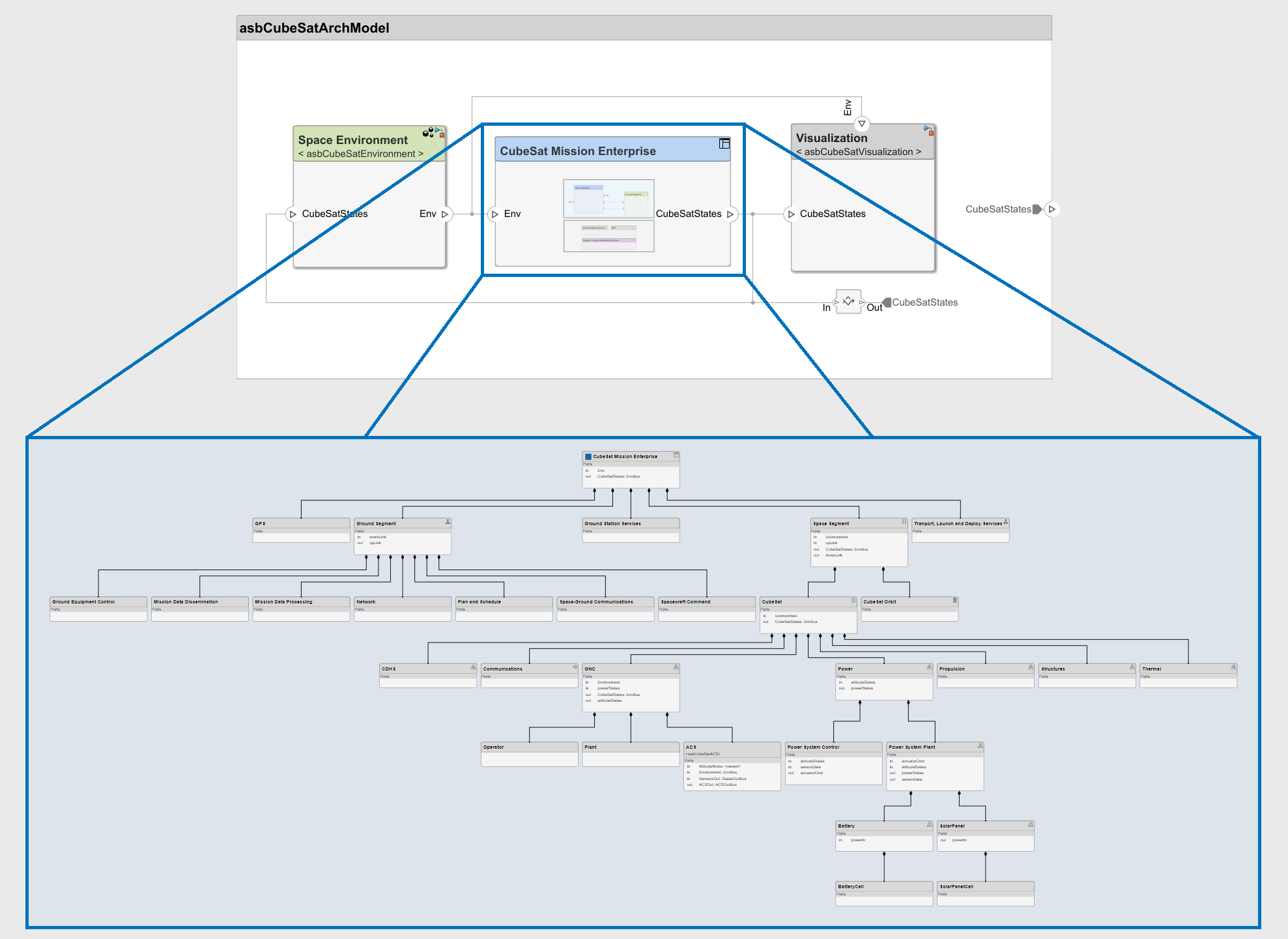
Model-Based Systems Engineering for Space-Based Applications
Explore the CubeSat model-based systems engineering project template.
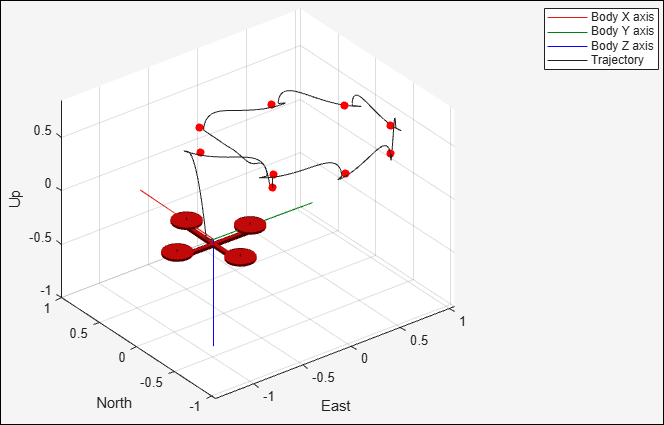
Develop and Verify a Quadcopter System Architecture
Design quadcopter to follow trajectory with systems engineering approach.
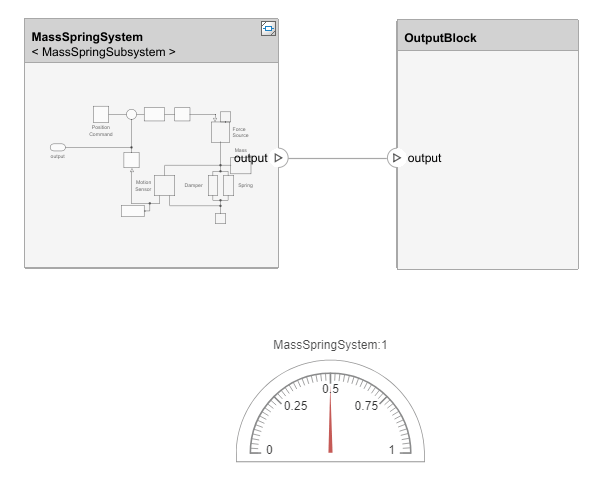
Visualize Mass-Spring-Damper Data in System Composer with Dashboard Block
Build architecture model with dashboard blocks.
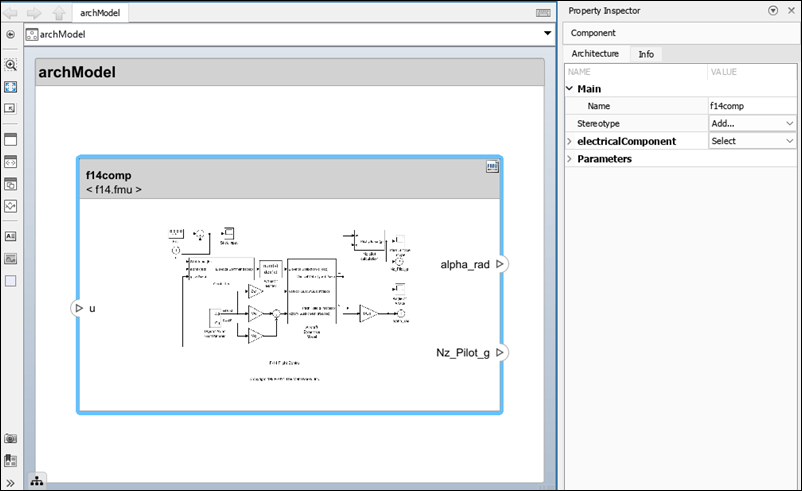
Use FMU Components with Architectural Data in Architecture Models
FMU components with architectural data in architecture models.
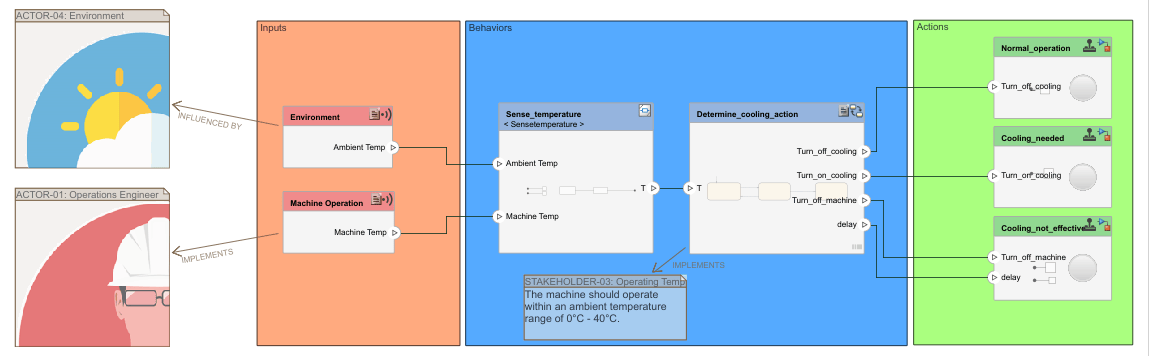
Validate Requirements for Machine Cooling System Architecture
Validate requirements using a machine cooling example.

