Industrial Automation Applications
R2026bSimulink® enables industrial equipment makers to create executable specifications in the form of models that provide clear design direction to diverse engineering groups. These example models illustrate industrial automation applications.
Featured Examples
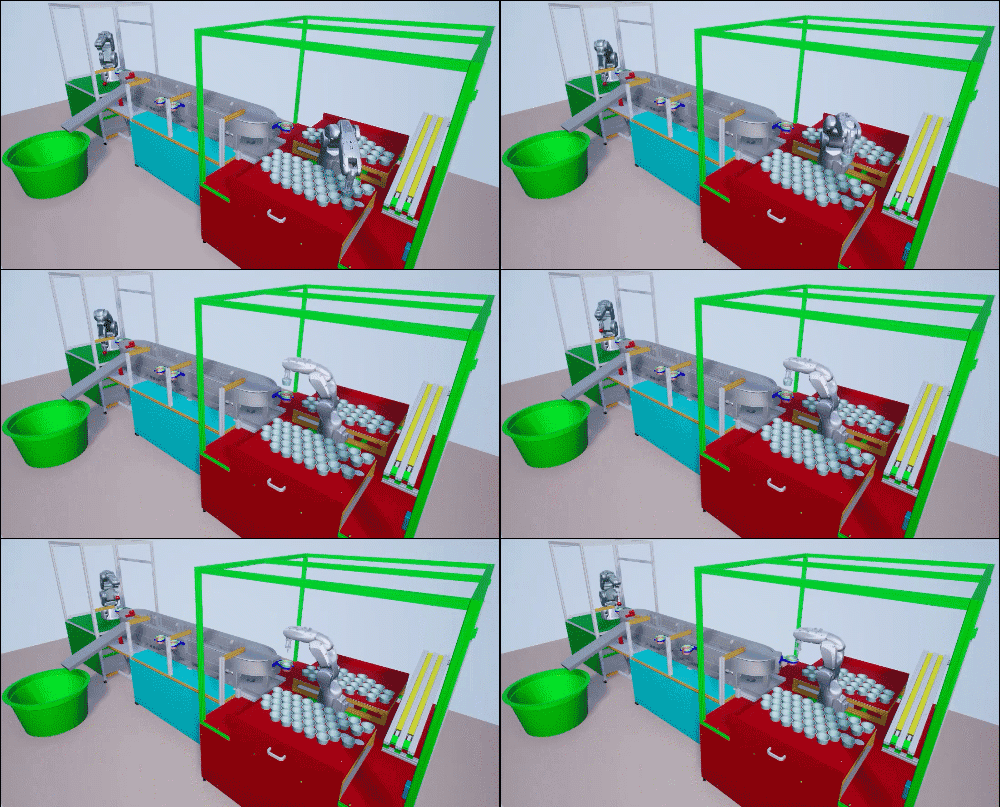
Model and Control Robot Dynamics to Automate Virtual Assembly Line
Extends the Smart4i virtual commissioning applications to accommodate robot dynamics in the system framework to automate assembly line operation. This example models the digit twin of the Smart4i setup and controls the dynamics of robots in the assembly line, which helps develop a more realistic simulation environment. The virtual assembly line consists of four components: two robotic workcells, connected by a shuttle track and a conveyor belt. The first robot, Robot 1, is a Comau Racer V3 and places cups onto the shuttle. The second robot, Robot 2, is a Mitsubishi RV-4F and places balls in the cups. The shuttle track system consists of four shuttles which continuously move to Robot 1, then to Robot 2, followed by a slider. A slider then delivers those cups containing balls to a container. This example downloads the assembly line CAD data, robot model files and shuttle trajectory data. For a detailed system overview, see Automate Virtual Assembly Line with Two Robotic Workcells.
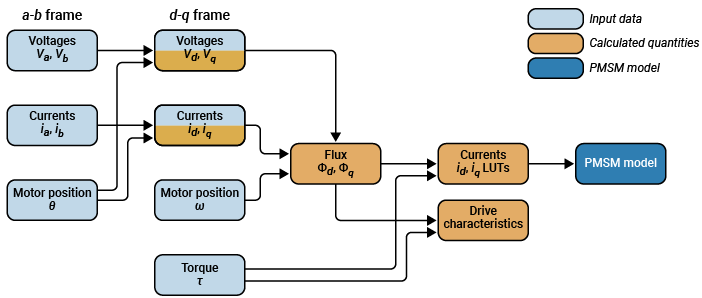
Determine Nonlinear Behavior of PMSM Using Characterization Test Data
Build realistic closed-loop simulation of PMSM using characterization test data and obtain nonlinear operating characteristics.
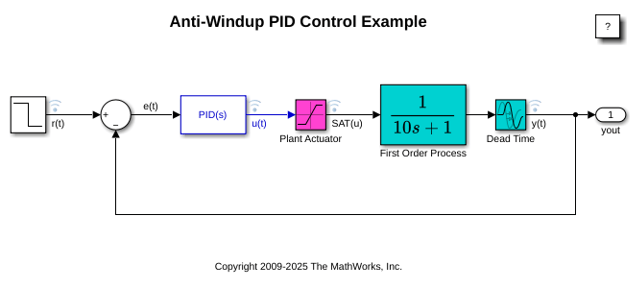
Anti-Windup Control Using PID Controller Block
Use anti-windup schemes to prevent integration wind-up in PID controllers when the actuators are saturated. The PID Controller block in Simulink® features two built-in anti-windup methods, back-calculation and clamping, as well as a tracking mode to handle more complex industrial scenarios. The PID Controller block supports several features that allow it to handle controller windup issues under commonly encountered industrial scenarios.
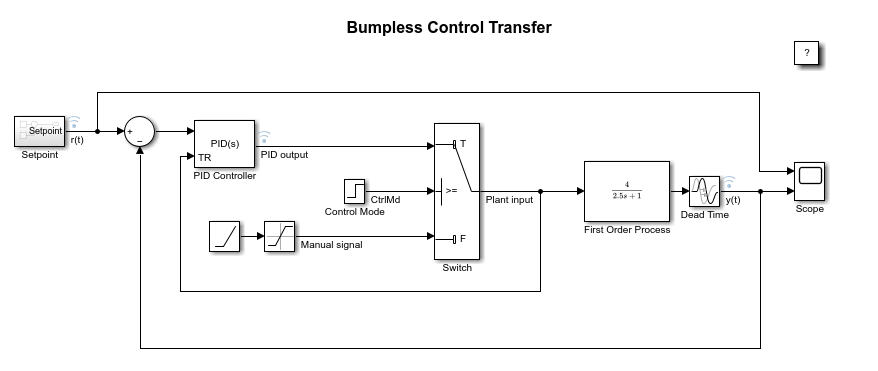
Bumpless Control Transfer Between Manual and PID Control
Achieve bumpless control transfer when switching from manual control to proportional integral derivative (PID) control. The model uses the PID Controller block in Simulink® to control a first-order process with dead-time.
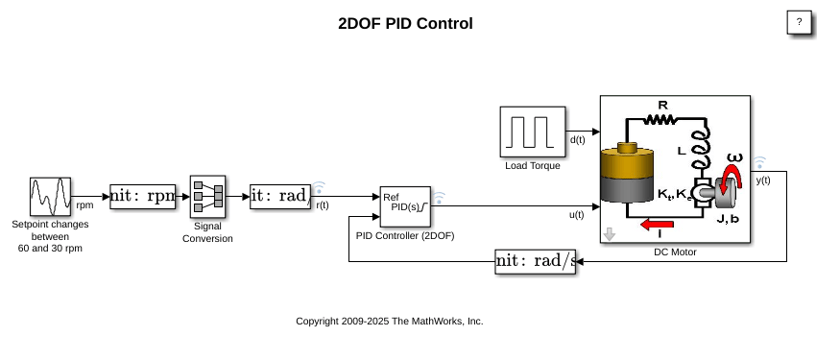
Two Degree-of-Freedom PID Control for Setpoint Tracking
Regulate the speed of an electric motor using two degree-of-freedom PID control with set-point weighting. This model uses the PID Controller (2DOF) block. The model changes the setpoint values between 60 and 30 rpm. To convert the units to rad/s for use in the PID controller, the model uses a Signal Conversion block.
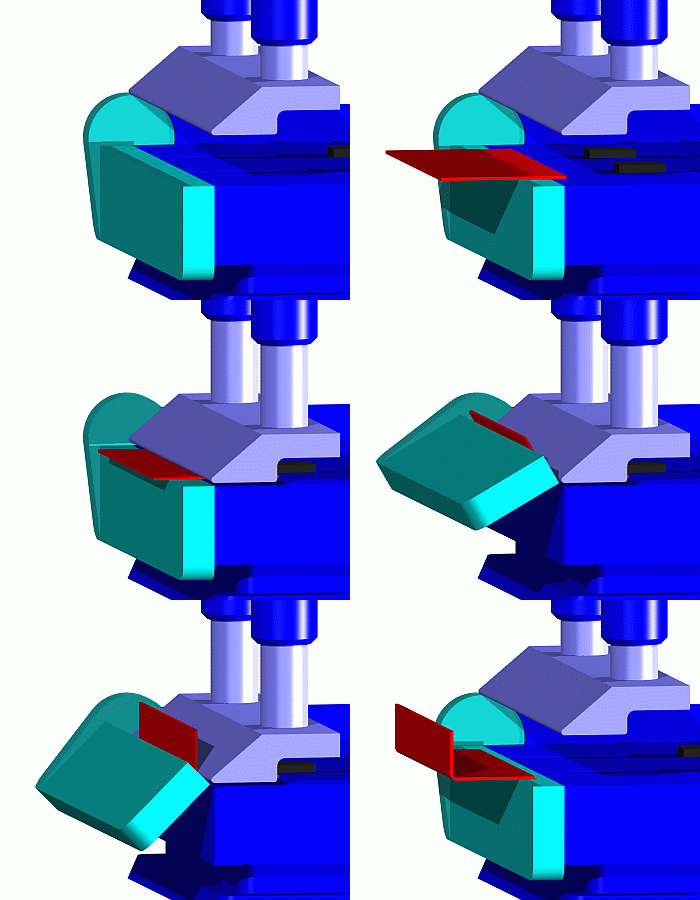
Job Scheduling and Resource Estimation for a Manufacturing Plant
Model a manufacturing plant. The plant consists of an assembly line that processes jobs based on a pre-determined schedule. This example walks you through a workflow for:
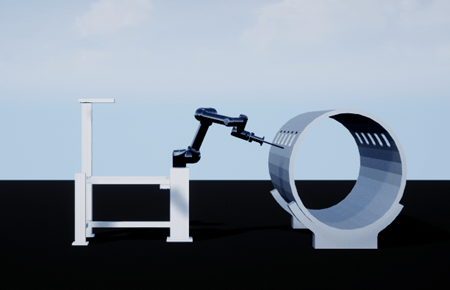
Shape Tracing Manipulator with Simulink 3D Animation
Model and visualize the shape tracing manipulator in the 3D environment.
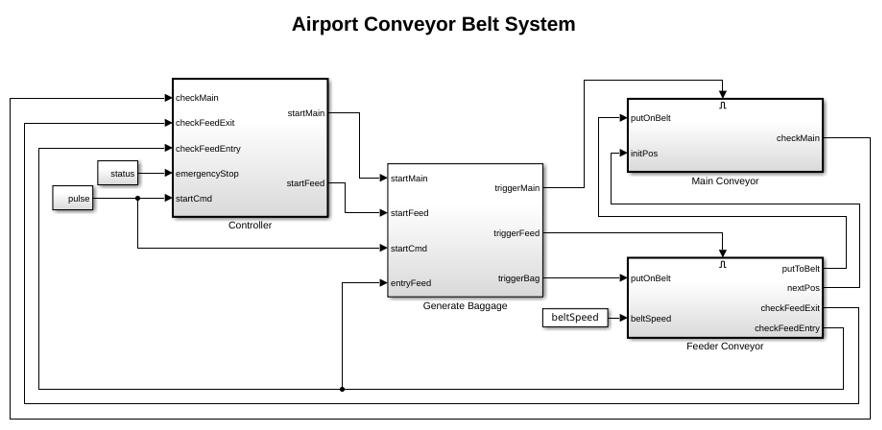
Simulate and Generate Code for Airport Conveyor Belt Control System
Simulate and generate Structured Text code for a Stateflow® controller in an airport conveyor belt model using Simulink® PLC Coder™.
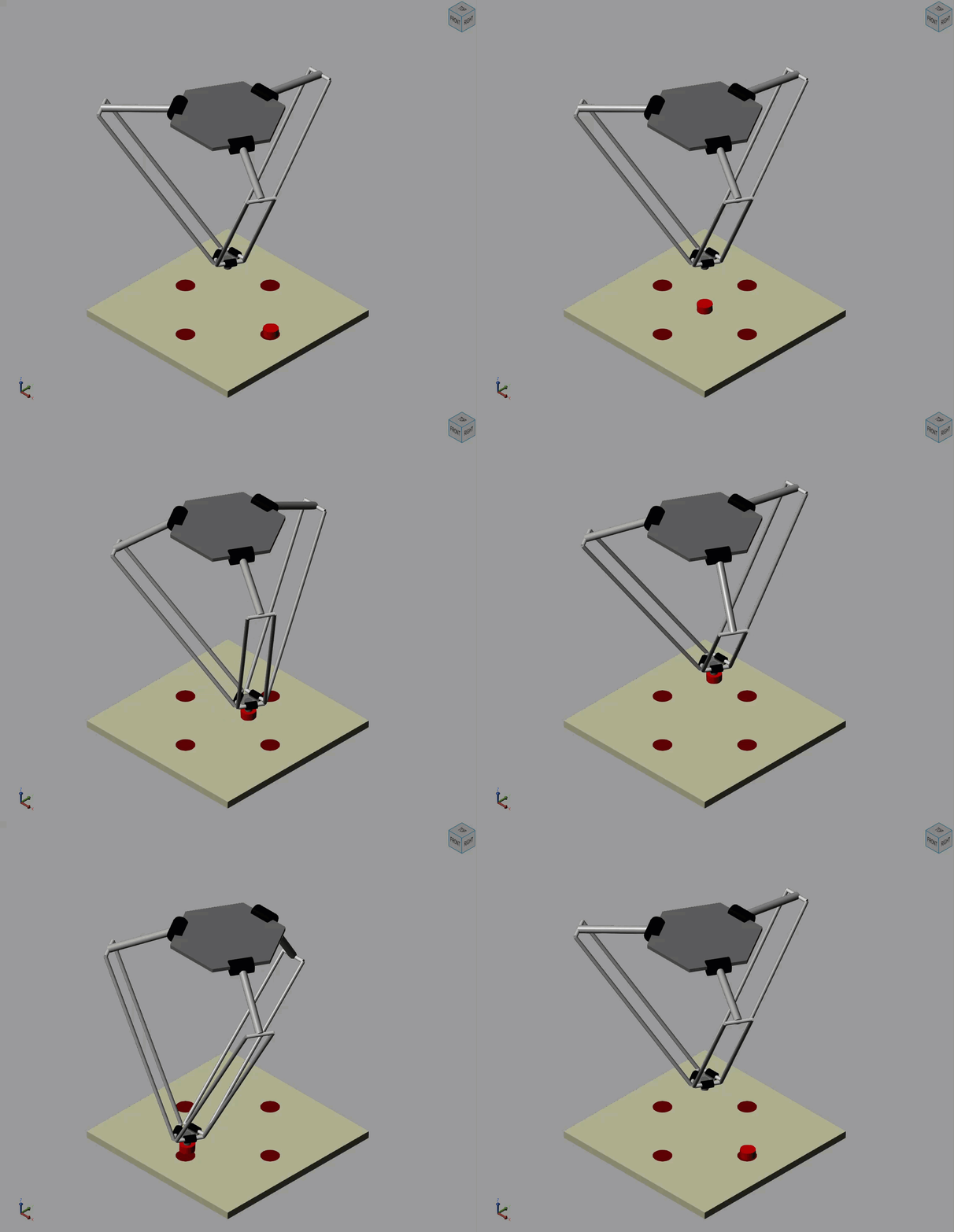
Pick and Place Robot Using Forward and Inverse Kinematics
Model a delta robot performing a pick and place task.
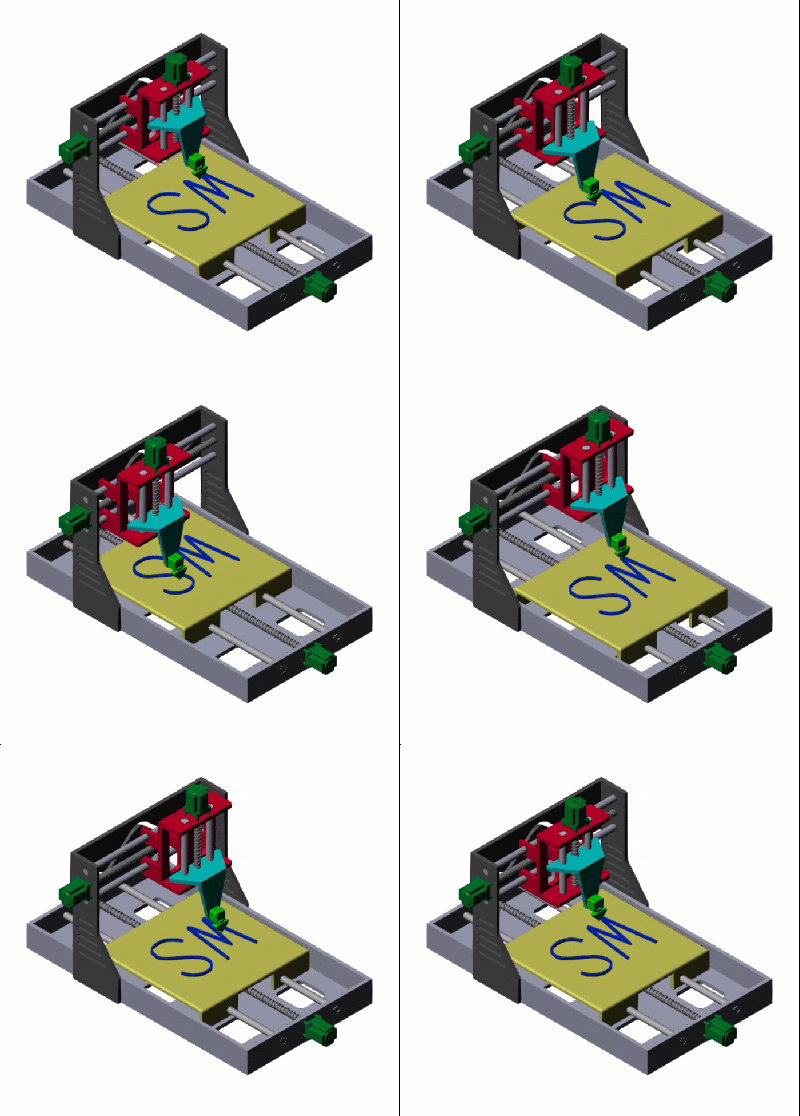
Model a Cartesian 3-D Printer
Models a Cartesian 3-D printer. In this model, the printer uses Lead Screw Joint blocks to represent the actuators that drive the motion of the printing head along the x-, y-, and z-axes. These lead screw joints convert rotational input into translational motion.
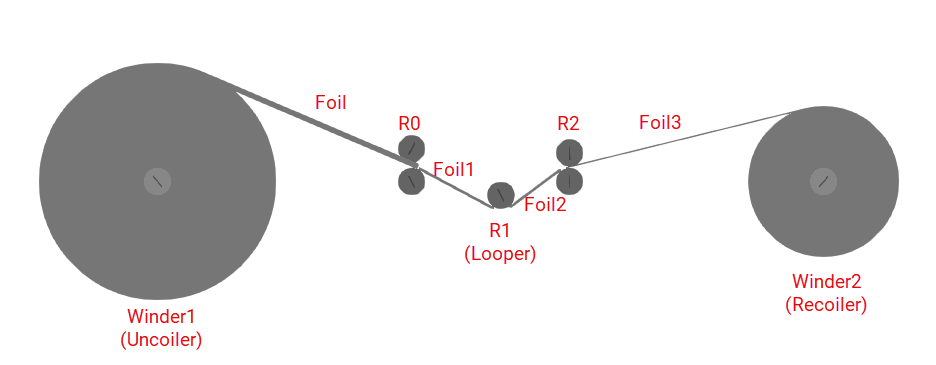
Multi-Stage Rolling Mill Simulation and Control
Design and simulate a multi‑stage rolling mill process using Simulink and Simscape™.
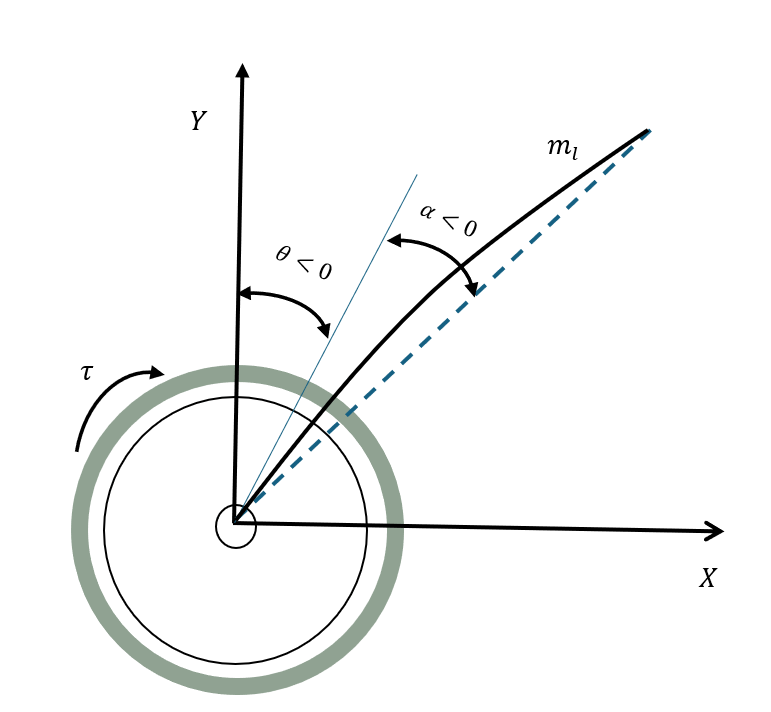
Multirate Output Feedback Control of Rotary Flexible Link System
Use a multirate output feedback approach to control a rotary flexible link system.

