Gazebo Select Entity
R2026bSelect a Gazebo entity
Gazebo Select Entity block

To add a block to a model, double-click the canvas and start typing the block name. Then, select the block from the list.
Libraries:
Robotics System Toolbox /
Gazebo Co-Simulation
Description
The Gazebo Select Entity block retrieves the model name of a Gazebo entity, such as a link or joint, from a simulated environment. The block outputs a string for both the model and associated joint or link name. Use both these names when specifying commands using the Gazebo Apply Command block.
Before selecting an entity, connect to a Gazebo simulation. Open the block mask and click Configure Gazebo network and simulation settings. For more information see Configure Gazebo Simulation.
This block is part of a co-simulation interface between MATLAB® and Gazebo for exchanging data and sending commands. To see a basic example, check Perform Co-Simulation Between Simulink and Gazebo
Examples
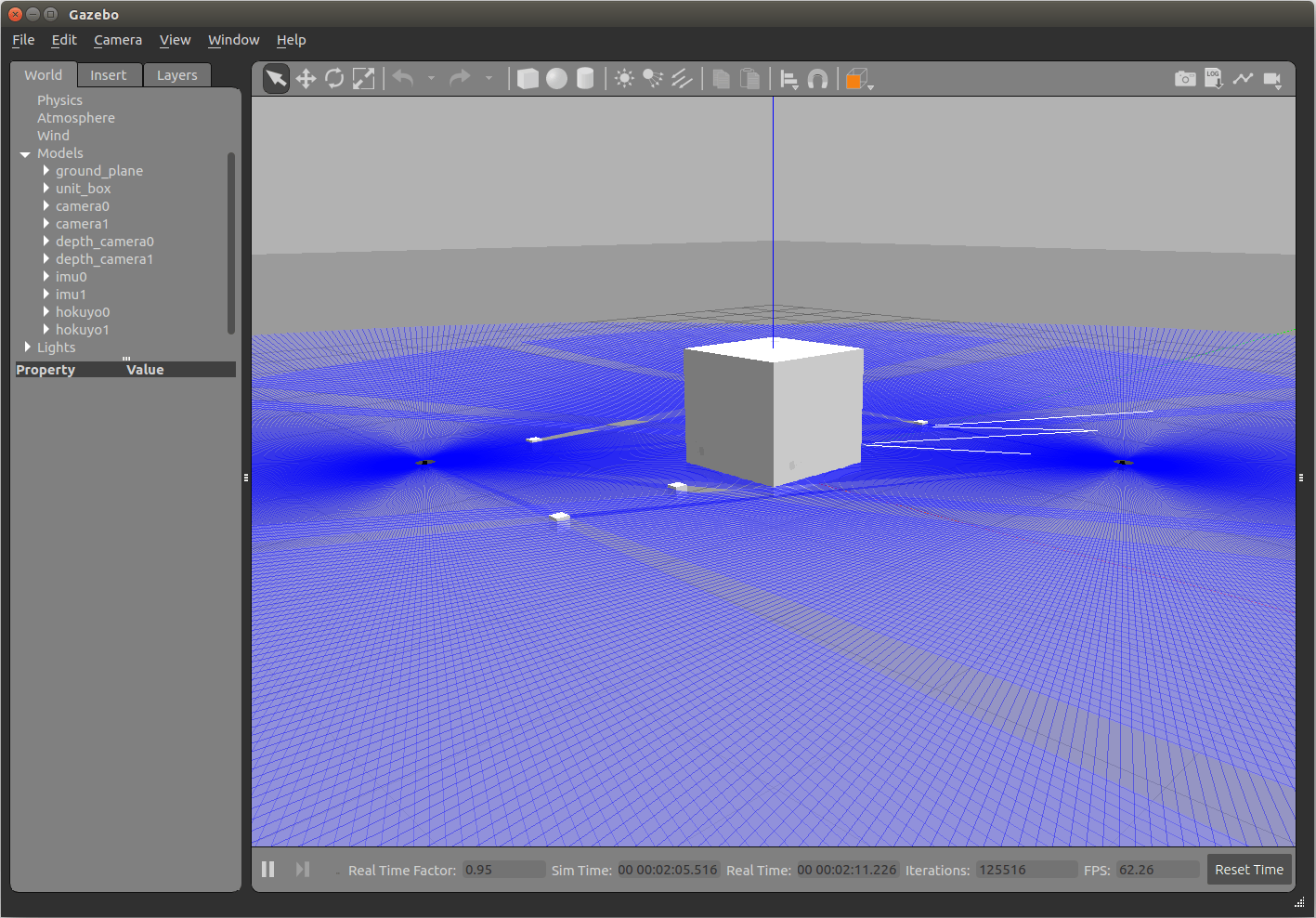
Perform Co-Simulation Between Simulink and Gazebo
Set up a synchronized simulation between Simulink® and Gazebo to send commands and receive data from Gazebo.
Limitations
Models that use this block do not support Code Generation or Rapid Accelerator mode.
Ports
Output
Parameters
Programmatic Use: Add Block
To add the block programmatically, use the add_block function with one of these library block paths as the source.
"robotgazebolib/Gazebo Select Entity"
Example: add_block("robotgazebolib/Gazebo Select Entity","myModel/myBlock",MakeNameUnique="on")
More About
Click Configure Gazebo network and simulation settings
in the block mask to launch the Configure Gazebo
Simulation dialog box, which configures the
synchronized stepping between Gazebo and Simulink. You can select the Network Address
and specify Hostname/IP Address and
Port of the computer running the Gazebo
simulator with the Gazebo plugin installed. Then click
Test to test the connection to the
running Gazebo simulator. You can also specify the Response
timeout in seconds. These settings apply to all
Gazebo blocks for all open Simulink models.
Starting from R2022b, you can connect to multiple Gazebo simulations from one or more machines. You can now specify a cell array of IP addresses and a cell array of port numbers in the MATLAB workspace and then specify their variable names to the Hostname/IP Address and Port boxes, respectively.
To connect to a single Gazebo session from MATLAB, specify the port number and IP address of the computer running the Gazebo simulator.
portnum = 14580;
ipaddress = '172.18.250.125';
To connect to multiple Gazebo sessions from MATLAB, specify the port numbers and IP addresses of the computers running the Gazebo simulator.
portnum = {14580,14581};
ipaddress = {'172.18.250.125','172.18.250.125'}; 
Version History
Introduced in R2019b
See Also
Blocks
- Gazebo Apply Command | Gazebo Blank Message | Gazebo Pacer | Gazebo Read | Gazebo Publish | Gazebo Subscribe

