Rapid Prototyping and Real Time Simulation
Modify parameters and observe signals live as your Simulink model runs on Raspberry Pi hardware, enabling efficient real-time tuning and troubleshooting.
For more information on the product stack required to enable real-time parameter tuning with monitor and tune using Raspberry Pi Blockset, see Product Stack for Raspberry Pi Blockset.
Topics
- Product Stack for Raspberry Pi Blockset
Identify minimum required product(s) for Raspberry Pi Blockset to best suit your end goals.
- Tune and Monitor Model Running on Hardware
Use your host computer to monitor and control an application running on the target hardware.
- Signal Monitoring and Parameter Tuning
Use external mode simulation, signal monitoring, and parameter tuning with Arduino® boards.
- Model Configuration Raspberry Pi Blockset
This section describes about the model configuration parameters.
Apps
| Raspberry Pi Resource Monitor App | Monitor and manage Raspberry Pi resources |
Model Settings
Featured Examples
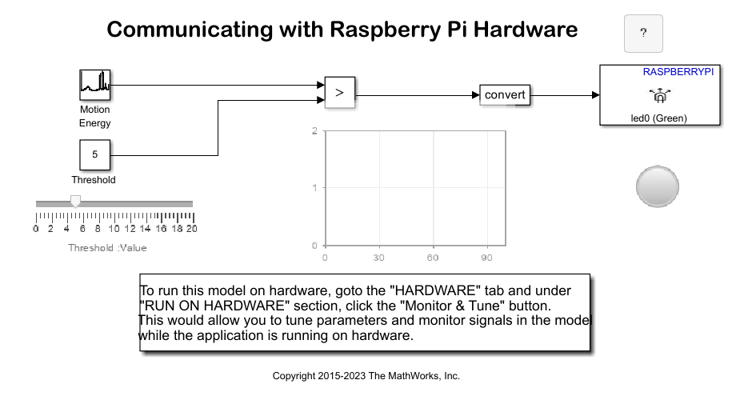
Communicate with Raspberry Pi Hardware
Tune the parameters and monitor the signals of an algorithm running on Raspberry Pi® board.

