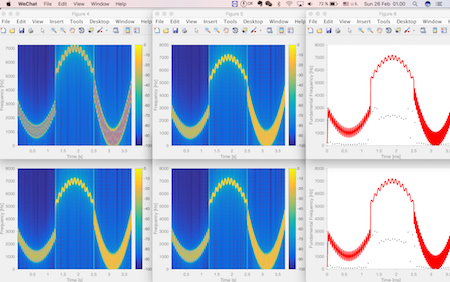
bring_figure_front()
This small program will put all of your matlab figures sequentially and orderly in your screen.

You are now following this Submission
- You will see updates in your followed content feed
- You may receive emails, depending on your communication preferences
Cite As
Liming Shi (2026). bring_figure_front() (https://uk.mathworks.com/matlabcentral/fileexchange/61404-bring_figure_front), MATLAB Central File Exchange. Retrieved .
Acknowledgements
Inspired by: "Smart"/Silent Figure
General Information
- Version 1.0.0 (2.16 KB)
MATLAB Release Compatibility
- Compatible with any release
Platform Compatibility
- Windows
- macOS
- Linux
| Version | Published | Release Notes | Action |
|---|---|---|---|
| 1.0.0 | We use a matlab built-in function findobj to find all the figure handles (Thank Avery Berman for pointing out this better solution). Moreover, we use a sfigure function written by Daniel Eaton to avoid the annoying jumping behaviors of the figures. |

