Legacy Serial Read
R2026bRead input data for baseboard serial communications
Legacy Serial Read block

To add a block to a model, double-click the canvas and start typing the block name. Then, select the block from the list.
Libraries:
Simulink Real-Time /
RS232 /
Mainboard
Description
The Legacy Serial Read block reads input data for baseboard serial communications on the Speedgoat® target computer.
For more information, see RS-232 Serial Communication and RS-232 Legacy Drivers.
Examples
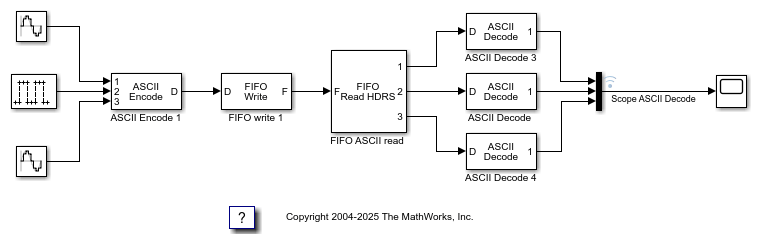
ASCII Encoding/Decoding Loopback Test
Send ASCII data over a serial link.
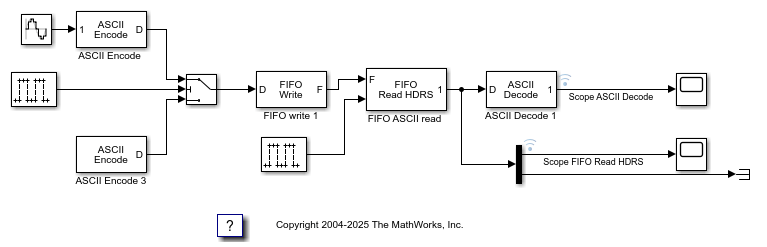
ASCII Encoding/Decoding Resync Loopback Test
Use the ability of the FIFO Read HDRS block to resynchronize after being repeatedly disabled and apply this ability to resolve errors such as when a message is only partially complete at the time the read is attempted.
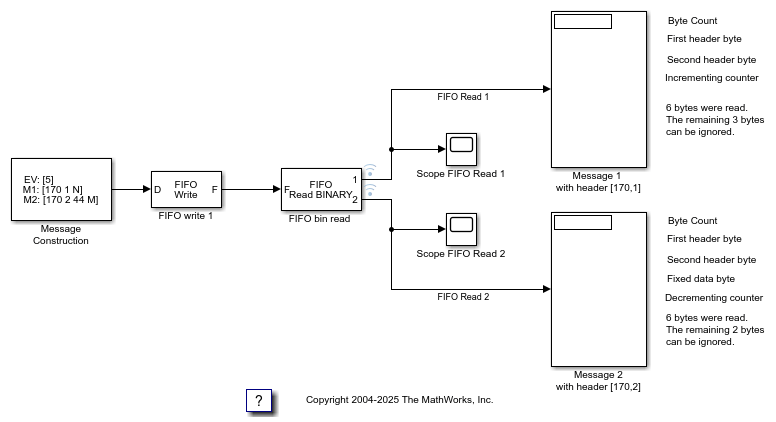
Binary Encoding/Decoding Loopback Test
Send Binary data over a serial link.
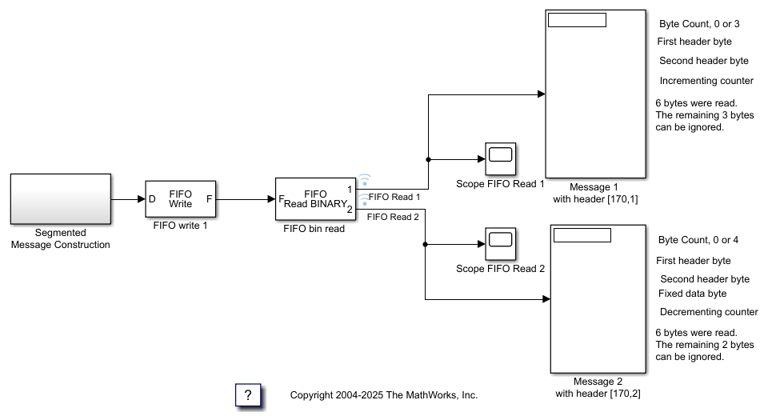
Binary Encoding/Decoding Resync Loopback Test
Use the ability of the FIFO Read BINARY block to handle messages that are interrupted and only partially complete.
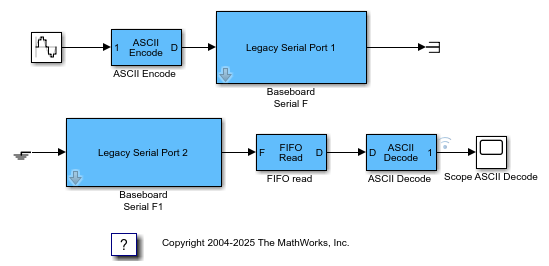
Simple ASCII Encoding/Decoding Loopback Test (with Baseboard Blocks)
Convert a single floating point number to ASCII and transmit the value over a serial link.
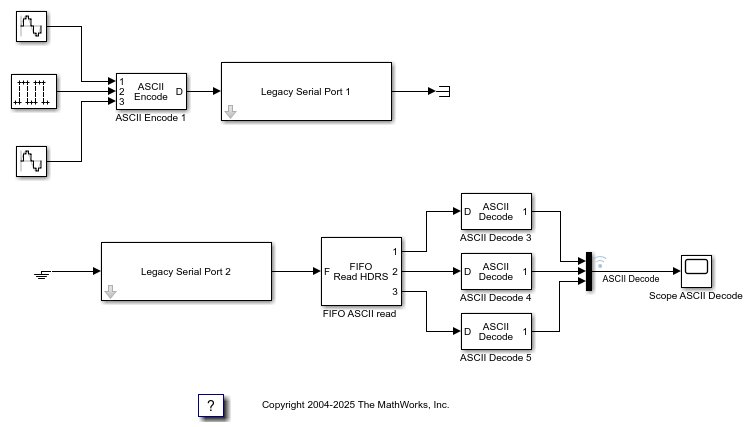
ASCII Encoding/Decoding Loopback Test (with Baseboard Blocks)
Send ASCII data over a serial link.
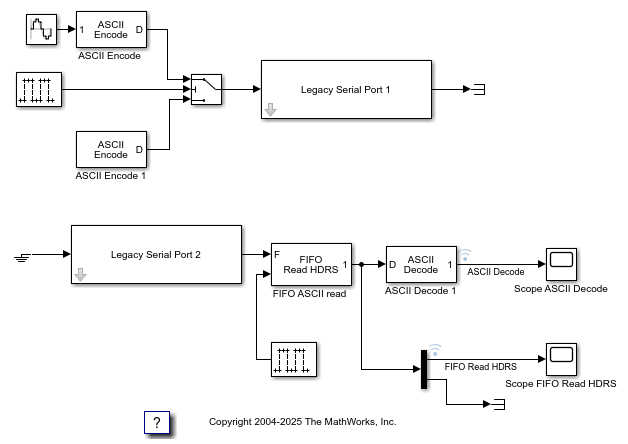
ASCII Encoding/Decoding Resync Loopback Test (with Baseboard Blocks)
Use the ability of the FIFO Read HDRS block to resynchronize after being repeatedly disabled and apply this ability to resolve errors such as when a message is only partially complete at the time the read is attempted.

Binary Encoding/Decoding Loopback Test (with Baseboard Blocks)
Send Binary data over a serial link.
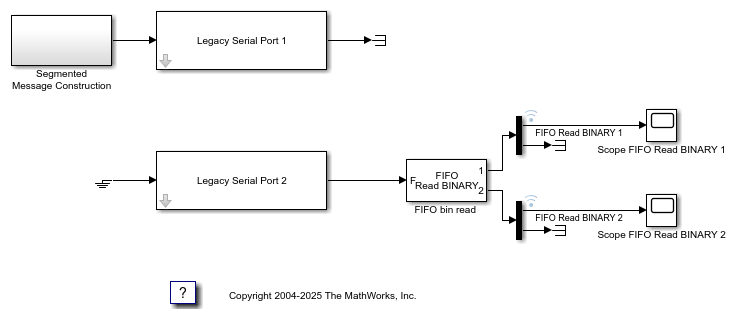
Binary Encoding/Decoding Resync Loopback Test (with Baseboard Blocks)
Use the ability of the FIFO Read BINARY block to handle messages that are interrupted and only partially complete.

